
Finding the right UPS size for your dual-monitor workstation is simpler than it seems. Start by checking the wattage on your monitors, computer, and peripherals. Add these together and pick a UPS with wattage 20-25% higher to handle surges and spikes. Think about how long you want backup power during outages. With these steps, you’ll guarantee your setup stays powered and protected—continue to explore for more tips on making the best choice.
Key Takeaways
- Calculate total wattage of monitors, computer, and peripherals to determine the required UPS capacity.
- Choose a UPS with 20-25% higher wattage rating than your total load for safety margin.
- For dual monitors and a workstation, a 600-800 VA UPS often suffices; larger setups need 1000 VA or more.
- Ensure the UPS has built-in surge protection to guard against voltage spikes and power fluctuations.
- Match the UPS runtime to your needs, ensuring it can power devices during outages without interruption.

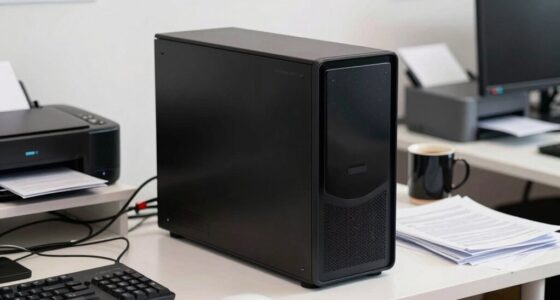
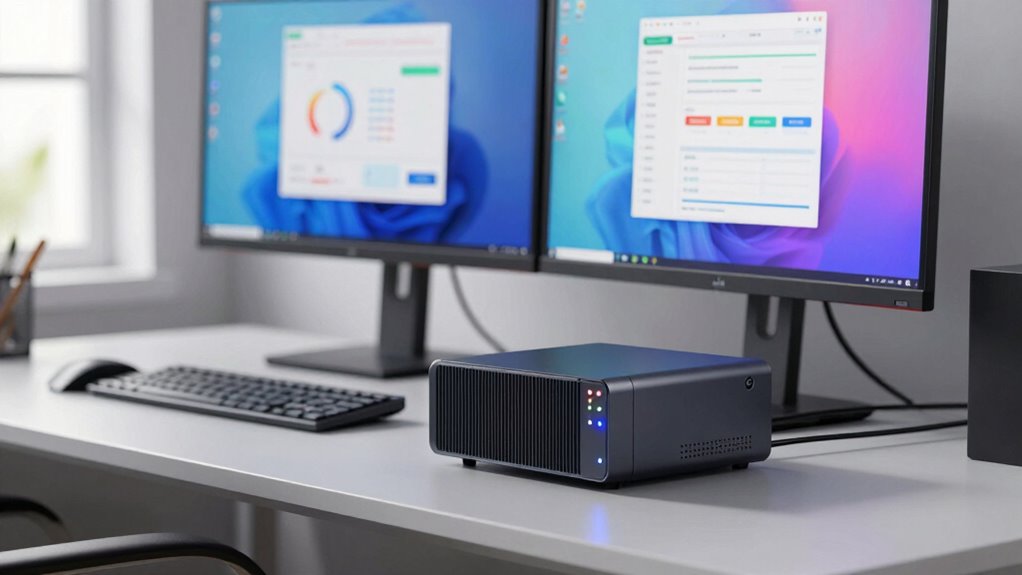
Choosing the right UPS size is essential to guarantee your dual-monitor workstation stays powered during outages and protects your equipment from power surges. A UPS, or uninterruptible power supply, provides a critical battery backup that keeps your monitors and other devices running smoothly when the power goes out. It also shields your gear from damaging power surges, which can happen unexpectedly and cause costly damage. When selecting a UPS, your main goal is to find one that offers enough capacity to handle your setup’s power demands without being overkill.
Start by calculating the total wattage of your equipment. Check the labels on your monitors, computer, and any peripherals to find their power consumption in watts. Add these numbers together to determine your total load. Keep in mind that monitors often have a lower wattage, but their combined total can be significant, especially if you have two of them. Once you have this total, look for a UPS with a wattage rating that exceeds your calculated load by at least 20-25%. This margin ensures the UPS can handle startup surges and temporary spikes in power draw without tripping or shutting down prematurely.
Calculate your total wattage and choose a UPS with 20-25% higher capacity for reliable backup and surge protection.
Battery backup capacity, measured in VA (volt-amps) or watt-hours, is also a key factor. A higher capacity means your dual-monitor workstation can stay operational longer during a power outage. Typically, a small UPS with 600-800 VA might suffice for a basic setup, but if you want a few minutes of backup or plan to run more equipment, consider models rated at 1000 VA or higher. Remember, the capacity directly impacts how long your devices stay powered during outages, so choose accordingly based on how much runtime you need.
Additionally, understanding power surges and their impact helps clarify why surge protection features are vital when choosing a UPS. Many models come with built-in surge protection, which prevents sudden voltage spikes from reaching your sensitive electronics. This feature is crucial for maintaining the longevity of your monitors and computer components. When shopping, check that your UPS explicitly states it offers surge protection, not just battery backup. That way, you’re not only prepared for outages but also shielded from unexpected power fluctuations.
In essence, picking the right UPS for your dual-monitor setup isn’t complicated. Focus on calculating your total power needs, selecting a model with adequate capacity, and ensuring it provides robust surge protection. With these considerations in mind, you’ll find a UPS that keeps your workstation running smoothly during outages and guards your valuable equipment from power surges.
As an affiliate, we earn on qualifying purchases.
Frequently Asked Questions
Can a UPS Protect Against Power Surges?
Yes, a UPS can protect against power surges through built-in surge protection features. It helps prevent voltage spikes from damaging your equipment. Additionally, many UPS units offer voltage regulation, ensuring your devices receive consistent power levels. Keep in mind, though, that not all UPSs have surge protection—so check the specifications to make sure yours provides both surge protection and voltage regulation for complete safety.
How Often Should I Replace My UPS Batteries?
You should replace your UPS batteries every 3 to 5 years, depending on usage and battery lifespan. Regularly check for signs of degradation, like decreased runtime or unusual noises. Replacement frequency varies based on how often your UPS experiences power outages or surges. To keep your system protected, don’t wait too long—timely battery replacement guarantees reliable backup power and prevents unexpected shutdowns.
Does a Bigger UPS Consume More Energy?
Bigger UPS units typically consume more energy because they have larger batteries and increased power components. While larger UPSs can handle more devices, they often lead to higher power consumption, impacting energy efficiency. You should consider your power needs carefully—choosing a UPS that matches your workload minimizes unnecessary energy use. So, a bigger isn’t always better if you’re aiming for maximum energy efficiency and lower power consumption.
Can a UPS Handle Additional Peripherals?
Yes, a UPS can handle additional peripherals, but you need to take into account peripheral compatibility and power distribution. Check the UPS’s total wattage capacity and guarantee it can support all your connected devices simultaneously. Distribute power efficiently by connecting essential peripherals directly to the UPS, avoiding overloads. This way, your setup remains protected, and you prevent any potential power issues caused by exceeding the UPS’s capacity.
Is a Portable UPS Suitable for a Workstation?
A portable UPS can be suitable for your workstation if you prioritize mobility benefits and portable power. It offers the advantage of easy movement, making it ideal for remote work or changing setups. However, make certain it provides enough capacity for your dual monitors and peripherals. While it’s convenient for portability, it might not offer the same backup duration as larger, stationary UPS units. Use it when flexibility matters most.
Conclusion
Choosing the right UPS size for your dual-monitor setup might seem tricky, but it’s actually simpler than you think. By understanding your equipment’s power needs and considering some safety margins, you can confidently select a UPS that keeps your workstation protected and running smoothly. Notably, studies on power efficiency suggest that investing a bit more upfront can extend your device’s lifespan and improve reliability, making your workday both safer and more productive.