

To turn receipt chaos into clean expense records, start by establishing a routine for filing and labeling receipts, either physically or digitally. Use scanning apps to digitize paper receipts and choose user-friendly expense management software that syncs with your accounts. Reconcile your records weekly to catch errors early and address missing receipts quickly. Keeping everything organized and secure prevents clutter and makes tax season much easier. Stay tuned for more tips on maintaining an efficient system that works for your business.
Key Takeaways
- Implement a consistent receipt filing system using labeled folders or digital categories for easy organization.
- Digitize receipts promptly with scanning apps to reduce physical clutter and enable quick access.
- Schedule regular reconciliation sessions to verify receipts against bank statements and identify discrepancies early.
- Automate expense tracking with accounting software that integrates bank data and supports categorization.
- Establish daily or weekly routines for sorting, labeling, and backing up receipts to maintain organized records.

HP Small USB Document & Photo Scanner for Portable 1-Sided Sheetfed Digital Scanning, Model HPPS100, for Home, Office & Business, PC and Mac Compatible, HP WorkScan Software Included
ON-THE-GO SCANNING MADE SIMPLE | Meet the Fastest, Lightest & Most Efficient Single Sheetfed Scanner in its Class!…
As an affiliate, we earn on qualifying purchases.
As an affiliate, we earn on qualifying purchases.
Why Organized Receipts Save You Time and Reduce Stress

Keeping your receipts organized can save you a significant amount of time during tax season and eliminate unnecessary stress. When you practice receipt organization, you quickly find what you need without rummaging through piles of paper, ensuring expense clarity. Clear, sorted receipts make it easier to track deductible expenses and avoid mistakes on your tax return. You won’t waste hours trying to decipher scribbled notes or hunt down missing receipts, which can lead to costly audits or missed deductions. Organized receipts also help you maintain accurate financial records, giving you a clearer picture of your business’s expenses. This streamlined approach reduces anxiety and keeps your financial management on track, so you can focus on growing your business instead of stressing over messy paperwork. Additionally, understanding the importance of accurate record-keeping can improve your overall financial management and compliance. Implementing a simple receipt organization system can further enhance your ability to manage expenses efficiently, especially when considering the privacy policies that ensure your sensitive financial data remains protected. Developing a consistent process for digital storage can also help prevent misplacement and streamline future audits, reducing the risk of data breaches that compromise your business information.

MASTERING WAVE ACCOUNTING 2026: The Complete Guide to Invoices, Expenses, and Small Business Finances (The Complete Accounting Software Mastery Series)
As an affiliate, we earn on qualifying purchases.
As an affiliate, we earn on qualifying purchases.
Set Up a Routine for Filing and Labeling Receipts
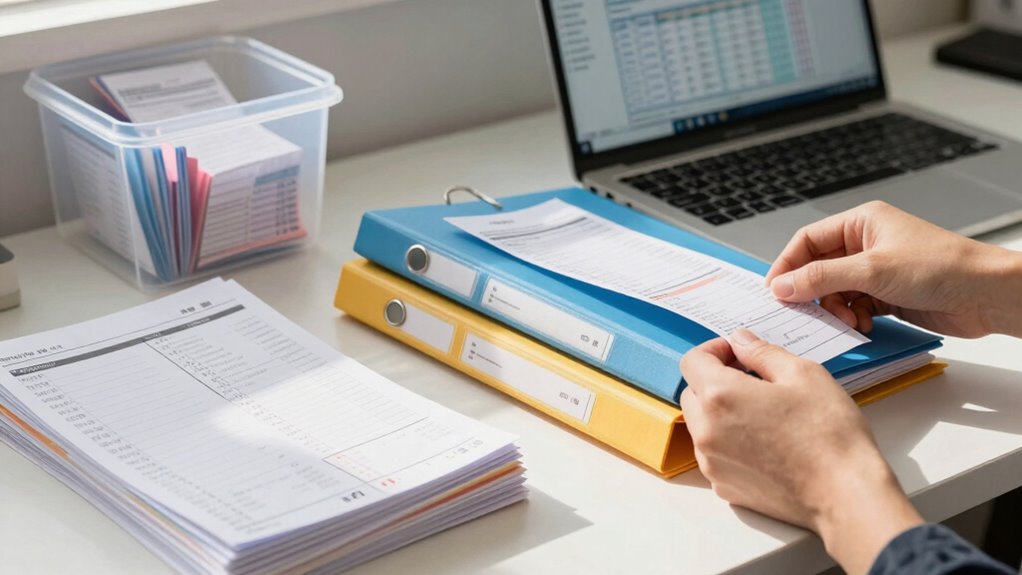
Establishing a consistent routine for filing and labeling receipts guarantees your records stay organized and easy to access. Start with a daily or weekly schedule for receipt sorting, so papers don’t pile up. Use clear labeling strategies, such as categorizing receipts by expense type, date, or vendor, to streamline retrieval. Develop a system that’s simple enough to follow reliably, whether you file receipts in physical folders or digital folders. Always label receipts immediately after a purchase with key details like date, amount, and purpose. This habit prevents clutter and ensures you won’t waste time searching for important records during tax season or audits. Incorporating organized storage solutions can further enhance your receipt management efficiency. Utilizing smart furniture like labeled storage bins or modular filing units can make maintaining your system even easier. Regularly reviewing and updating your filing system keeps your receipt management efficient and media literacy, and stress-free. Additionally, understanding financial recordkeeping principles can help ensure your receipts stay compliant with tax regulations. Incorporating a digital filing system can also reduce paper clutter and improve access to your records.

Sooez Accordion File Organizer, 13 Pockets Expanding File Folder, Portable Monthly Paper Bill Tax Receipt Organizer, Letter A4 Size Document Holder with Blank Labels, Black
All-In-One Monthly Organizer: Keep all your important documents in one place with Sooez Accordion File Organizer. 13 pockets…
As an affiliate, we earn on qualifying purchases.
As an affiliate, we earn on qualifying purchases.
How to Choose the Right Receipt Management System
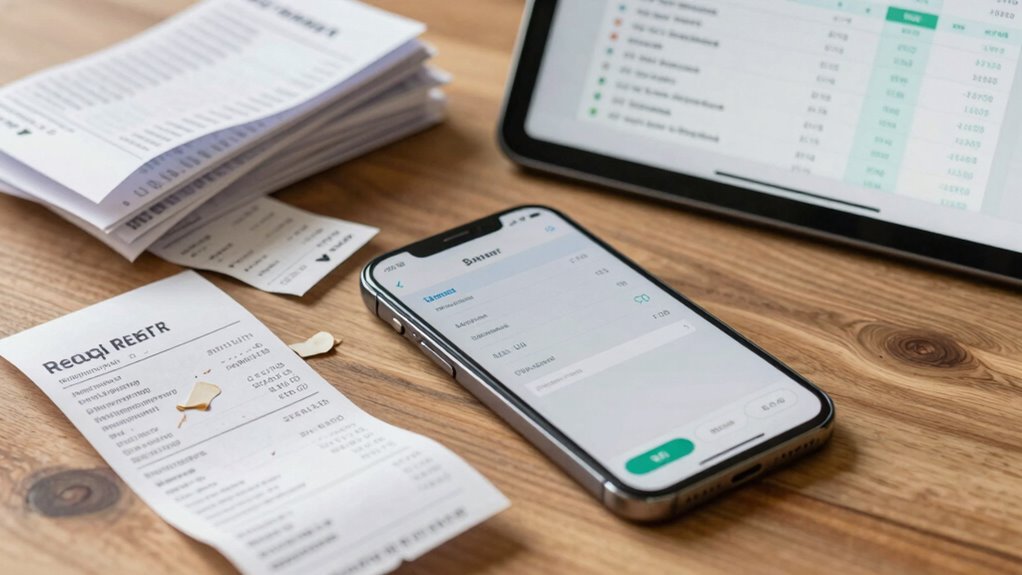
When selecting a receipt management system, you need to take into account if it’s compatible with your devices, so everything runs smoothly. Ease of use is also key—you don’t want a system that’s complicated or time-consuming to learn. By focusing on these points, you’ll find a solution that fits your business seamlessly. Additionally, consider how well the system can handle landscaping and outdoor elements if your business involves outdoor or natural environments. Incorporating features that support mobile data entry can further streamline your process, especially in dynamic outdoor settings. Ensuring your system supports requirements traceability can help maintain accurate records and compliance as your business grows. It’s also important to evaluate how reliable the storage media is, particularly if your business relies on enterprise USB backups or other specialized storage solutions. Being aware of environmental durability can help prevent data loss in outdoor conditions.
Compatibility With Devices
Choosing the right receipt management system starts with making certain it’s compatible with the devices you already use. Device compatibility is essential for seamless access and quick data entry, whether you’re on a smartphone, tablet, or computer. Look for systems that support cross platform synchronization, so your receipts and records stay updated across all devices. This flexibility allows you to capture receipts on the go and review them later from any device without hassle. Avoid systems that only work on specific operating systems or require complicated setups. The ability to sync effortlessly across devices ensures you won’t miss out on important expense details, saving time and reducing errors. Prioritizing compatibility makes your receipt management process more efficient and adaptable to your business needs. Additionally, understanding how whole-home water systems impact maintenance and efficiency can help you choose tools that are more reliable and cost-effective in the long run. Recognizing the importance of Device compatibility can also streamline your overall workflow and reduce frustration. Making sure your chosen system integrates with other tools you use can further enhance your workflow efficiency and reduce manual entry errors.
Ease of Use
Once you’ve confirmed that the receipt management system works smoothly across all your devices, the next step is to focus on how easy it is to use. A good system offers a user experience that feels intuitive and efficient, so you can quickly record and retrieve receipts without frustration. Pay attention to the user interface—look for clear navigation, simple menus, and minimal clutter. An intuitive design reduces the learning curve and helps your team stay consistent. Prioritize platforms that provide step-by-step guidance or automation features, making receipt entry seamless. Ultimately, choosing a system with a user-friendly interface ensures that managing receipts becomes a straightforward task, saving you time and reducing errors.

SNSLXH 5 Pack Stackable Closet Storage Basket, Multifunctional & Foldable Closet Organizer for Bathroom Kitchen Laundry Room Wardrobe Storage, Space-Saving Clothes Storage Drawer Organizer, White
【Versatile & Stylish】The folding closet organizers are a comprehensive storage and categorization solution that is perfect for organizing…
As an affiliate, we earn on qualifying purchases.
As an affiliate, we earn on qualifying purchases.
Digitize Receipts With Scanning Apps and Tools
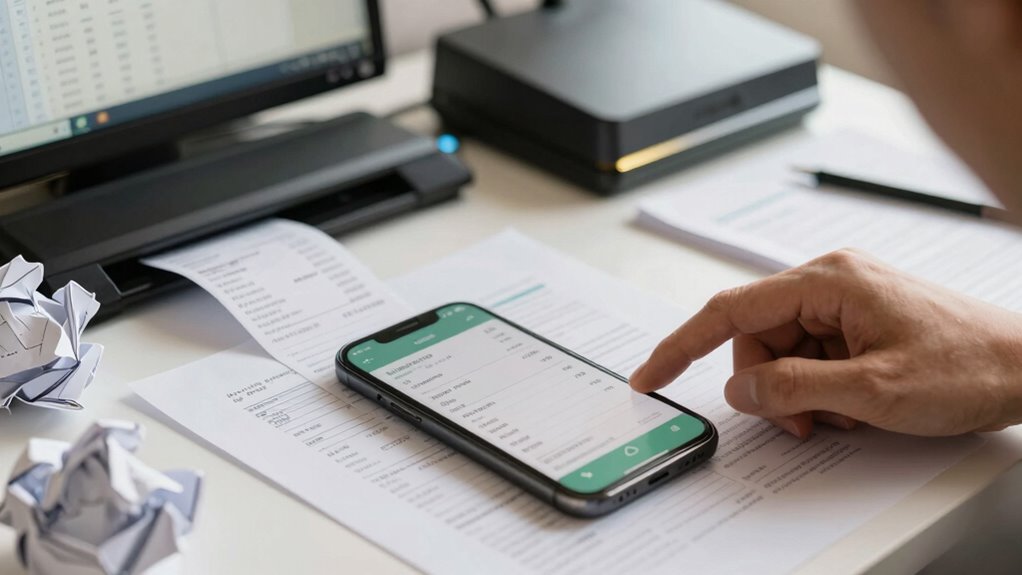
Digitizing receipts with scanning apps and tools streamlines your record-keeping process and minimizes clutter. By transforming physical receipts into digital files, you simplify receipt organization and ensure your records are easily accessible. Scanning apps quickly capture high-quality images of your receipts, reducing the risk of losing important documents. Digital storage keeps everything in one secure location, making it easy to retrieve and review expenses when needed. Many apps also offer features like automatic cropping, optical character recognition (OCR), and cloud integration, which enhance accuracy and convenience. Using these tools, you save time, prevent damage or loss of paper receipts, and maintain a tidy, organized system. Incorporating digital record-keeping can further enhance your overall home and business safety by creating a secure backup of important documents. Additionally, digitized records reduce the clutter and physical damage associated with paper receipts, protecting your data from heat, fumes, or fire hazards. Embracing scanning technology helps you stay on top of expenses and keeps your record-keeping efficient. Proper data management ensures your digital files remain organized and easy to find when needed, reducing the chances of misplacing critical information.
Automate Expense Tracking With Accounting Software

Have you considered how accounting software can simplify your expense management? By automating tracking, you reduce manual entry errors and save time. These tools can sync with your bank accounts to automatically import transactions, making it easier to categorize expenses. Many software options also support inventory management, helping you keep accurate stock records alongside expenses. Better yet, they streamline supplier communication by storing contact details and payment history, so you can quickly settle bills and request invoices. Automation guarantees your expense records stay up-to-date, giving you real-time insights into your cash flow. This way, you avoid receipt clutter and ensure your financial data is accurate, organized, and ready for tax season or business decisions. Incorporating mind-body techniques can also help maintain the physical organization of your receipts and invoices, preventing clutter from accumulating.
Reconcile Receipts and Expenses Regularly

You should set aside time each week to reconcile your receipts and expenses to keep your records accurate. Organizing receipts systematically and using digital tracking tools can make this process smoother. Regular reconciliation helps you catch mistakes early and stay on top of your business finances.
Schedule Weekly Reconciliation
Scheduling weekly reconciliation is essential for keeping your business finances accurate and up-to-date. Regularly reviewing receipts and expenses helps you catch errors early, manage inventory better, and maintain clear vendor communication. To streamline this process, set a consistent day each week to review all receipts and expense reports. During this time, you can:
- Cross-check receipts against bank statements to ensure accuracy
- Update your inventory management system with recent purchases
- Follow up with vendors for any discrepancies or missing invoices
Organize Receipts Systematically
To keep your financial records accurate and easy to manage, organizing receipts systematically is essential. Start by establishing clear receipt storage methods, such as labeled filing categories for different expense types—supplies, travel, meals, and utilities. Consistently sort receipts into these categories as you receive them. This makes it easier to locate specific documents during reconciliation and guarantees nothing gets overlooked. Use physical folders or binders with dividers, or consider digital folders if you prefer electronic storage. Regularly reviewing your filing categories helps catch errors early and keeps your records up to date. Maintaining a structured receipt storage system reduces clutter and simplifies the reconciliation process, saving you time and stress when preparing financial reports or tax documents.
Use Digital Tracking Tools
Using digital tracking tools can substantially streamline the process of reconciling receipts and expenses. These tools help you stay organized with digital archiving and easy access via cloud storage, reducing paper clutter. Regularly reconciling guarantees your records stay accurate and up to date. You can:
- Upload receipts immediately, keeping everything in one place
- Use automated expense categorization to save time
- Access records from anywhere, making audits and tax time less stressful
Handle Missing or Disorganized Receipts Effectively

When receipts go missing or become disorganized, it can feel overwhelming, but addressing the issue promptly keeps your records accurate and your finances on track. Start by retracing your steps to locate lost receipts, checking digital copies if available. To prevent receipt fraud or mistaken entries, keep an organized system, like labeled folders or a receipt management app. If you can’t find a receipt, document the purchase details—date, amount, vendor—and note the reason for missing documentation. Regularly reconcile your records to catch discrepancies early. Creating a routine for filing and reviewing receipts reduces chaos and minimizes the risk of errors. Handling lost receipts quickly helps maintain accurate expense reports and protects you from potential issues during audits.
Prepare Your Records for Tax Season
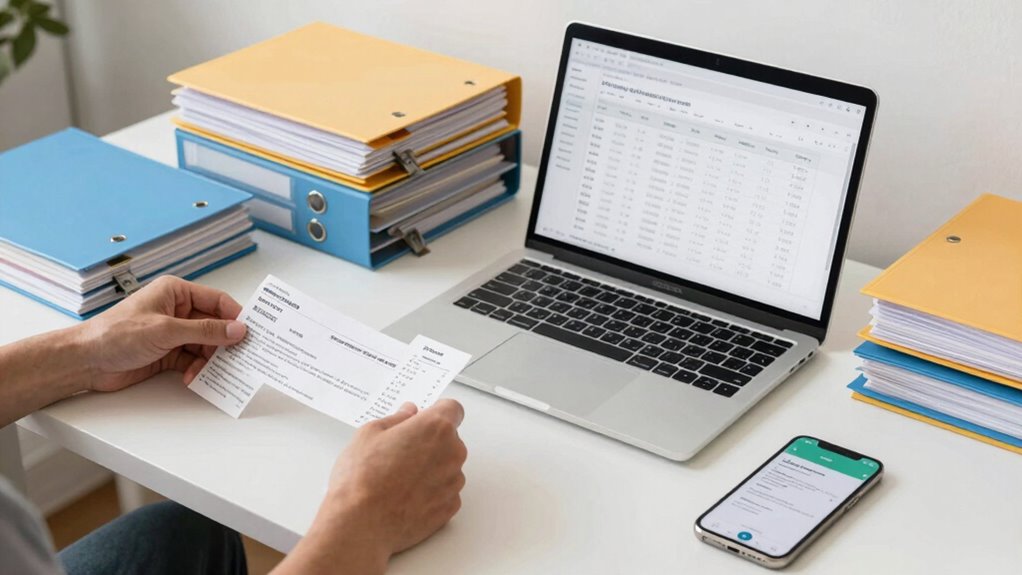
Getting your records in order before tax season is essential to guarantee a smooth and stress-free process. Organize your receipts and confirm they’re accurate to avoid receipt fraud and maximize your tax deduction. Double-check that each receipt matches your bank or credit card statements, and discard any duplicates. Keep a detailed record of business expenses, including small purchases that add up. Consider using digital tools or apps to scan and categorize receipts instantly. This way, you’ll have clear documentation if questions arise and reduce the risk of missing out on deductions. Staying proactive now saves you time and headache later, making tax filing straightforward. Remember, well-prepared records help prevent issues with receipt fraud and ensure you claim every eligible tax deduction.
Keep Your Receipt System Up to Date and Secure

Keeping your receipt system current and secure is key to maintaining accurate records throughout the year. Prioritize receipt security by storing physical copies in a locked, organized space and backing up digital scans regularly. This prevents loss or theft and guarantees you have access when needed. Additionally, stick to record retention policies by keeping receipts for the required time, usually seven years, to comply with tax regulations. Regularly reviewing and updating your receipt system helps identify missing or misplaced documents early. Use secure, encrypted storage options for digital files to protect sensitive information. Staying proactive with record retention and receipt security minimizes errors and reduces stress during tax season, giving you peace of mind knowing your expense records are reliable and protected.
Frequently Asked Questions
How Often Should I Review My Receipt Organization System?
You should review your receipt organization system at least monthly to stay on top of digital archiving and guarantee everything’s accurate. Regular checks help you spot misplaced receipts or errors early. Use automated tracking tools to streamline this process, making it easier to maintain clean records. Consistent reviews prevent clutter, ensure compliance, and save time during tax season. Staying proactive keeps your expense records organized and reliable, supporting your business growth.
What Are Common Mistakes to Avoid When Managing Receipts?
Avoid the classic mistake of ignoring receipt scanning altogether—trust me, your future self will thank you. Never forget to double-check your expense categorization, or you’ll end up in a financial spaghetti mess. Overlooking these details can lead to lost deductions or tax headaches. Keep receipts organized, review regularly, and stay disciplined. Otherwise, you might as well toss your receipts into a fire and hope for the best.
Can Receipt Management Improve My Business Cash Flow?
Yes, receipt management can improve your business cash flow. By adopting digital bookkeeping and receipt automation, you streamline expense tracking, reduce errors, and quickly access financial data. This efficiency helps you identify cash flow patterns, manage expenses proactively, and make informed decisions. Plus, automated systems save time and prevent costly mistakes, ensuring your cash flow remains healthy and predictable, giving you more control over your business finances.
How Do I Handle Receipts From Online Purchases?
You handle receipts from online purchases by using digital storage and receipt scanning. First, save digital copies of your receipts, either by downloading them directly or taking clear photos. Then, organize these files in a dedicated folder on your computer or cloud storage. Regularly scan and categorize receipts to keep your records tidy. This approach guarantees you have quick access and accurate expense tracking for all online purchases.
What Legal Requirements Exist for Keeping Expense Records?
You need to keep accurate expense records to meet tax compliance standards and guarantee you can substantiate your deductions. Federal regulations typically require you to retain records, including receipts, invoices, and bank statements, for at least three to seven years. Proper record retention helps you defend your expenses during audits and maintains your business’s financial health. Staying organized and keeping digital copies can make this process easier and more compliant.
Conclusion
By embracing an efficient, easy-to-follow receipt routine, you’ll reduce stress, save time, and stay totally on top of your taxes. Stay systematic with smart scanning, swift sorting, and regular reconciliation to keep chaos at bay. Keep your records current, secure, and simple to streamline your bookkeeping and boost your business confidence. With these practical practices, you’re prepared, professional, and perfectly positioned to prosper!