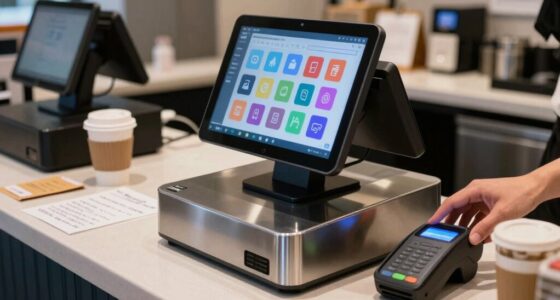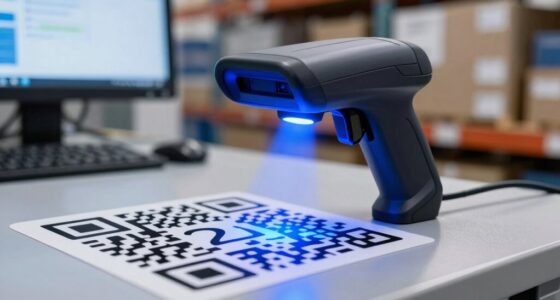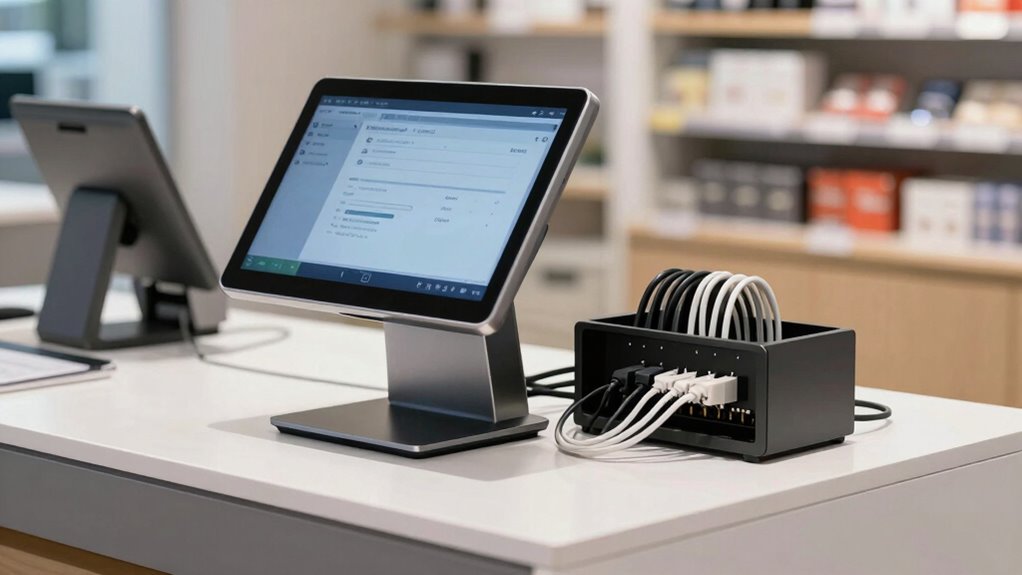

Before buying a POS system, you should verify that it integrates smoothly with your existing tools, especially your inventory management and payment processing systems. Make certain it supports real-time updates, multiple payment methods, and secure transactions. Compatibility with future platforms like CRM or marketing tools is also important for long-term success. If you continue exploring, you’ll discover more key integration details to help you make the best choice for your business.

Get smart everyday buys delivered free with Prime
- Fast, free delivery on millions of items
- Prime Video, Amazon Music and more included
- Member-only deals all year
Key Takeaways
- Ensure the POS integrates seamlessly with your existing inventory management system for real-time stock updates.
- Verify compatibility with multiple payment methods, including contactless, mobile, and EMV chip payments.
- Confirm the system supports smooth data flow across all connected tools to prevent data silos.
- Check for future-proofing features that allow integration with CRM, marketing platforms, or other evolving tools.
- Make sure the POS offers robust transaction functionalities like refunds, voids, and secure payment gateway integration.
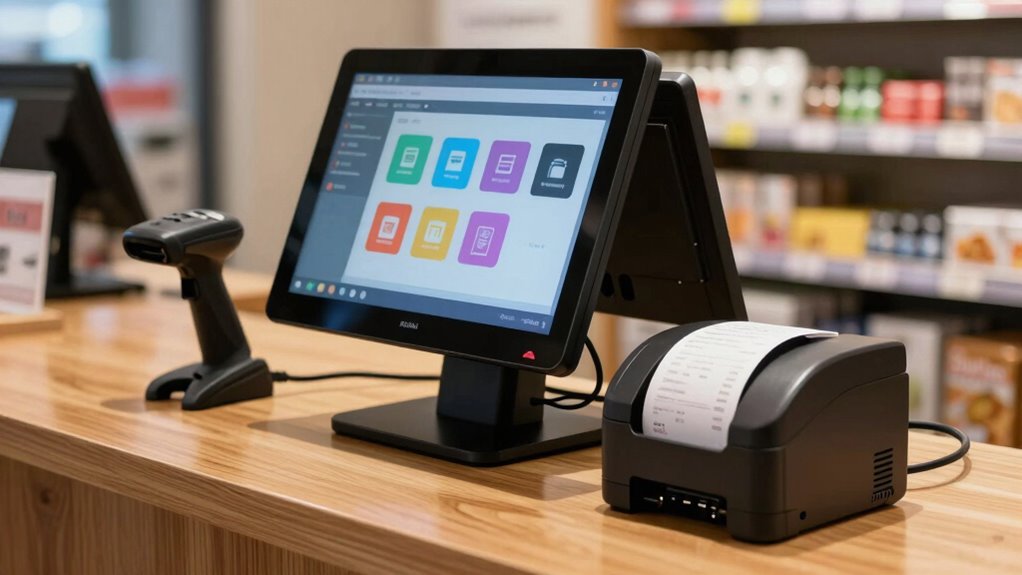
When choosing a POS system, it’s tempting to focus on features and price, but one vital aspect often gets overlooked is integration. You want a system that seamlessly connects with your existing tools and workflows, especially for critical functions like inventory management and payment processing. If these systems don’t talk to each other smoothly, you could face headaches down the line, from stock discrepancies to slow checkout times.
Start by considering how the POS system handles inventory management. You need real-time updates that reflect sales instantly, so you’re never caught off guard with out-of-stock items or overstocked shelves. A good POS should sync with your inventory database effortlessly, updating quantities automatically as transactions happen. If it doesn’t, you risk manual errors that can throw off your stock levels, leading to lost sales or excess inventory. Check whether the POS system integrates with your current inventory software or if it offers built-in inventory management features. The more integrated your inventory and POS are, the smoother your operations become. Additionally, verifying if the system supports seamless data exchange can help prevent data silos and ensure consistent information across platforms.
Choose a POS that syncs instantly with inventory, preventing stock errors and streamlining operations.
Payment processing is another essential area. Your POS system should support multiple payment methods—credit cards, mobile payments, contactless options—and process transactions quickly and securely. But beyond that, it needs to integrate seamlessly with your chosen payment gateways and financial institutions. If the payment processing isn’t smooth, customers get frustrated, and your checkout process slows down. Additionally, integration ensures that sales data flows directly into your accounting or financial software, simplifying reconciliation and reducing errors. Consider whether the POS system supports EMV chip cards, NFC payments, and other modern payment methods, and whether it can handle refunds or voids without disrupting your records.
Beyond these functionalities, think about future-proofing your setup. Will the POS system integrate with other tools you plan to adopt down the line, like customer relationship management (CRM) software or marketing platforms? The right integration can save you time and money by avoiding the need to switch systems or build complicated workarounds later. Ensuring the system supports software integration is crucial for long-term adaptability.
In essence, before you sign on the dotted line, verify that your prospective POS system integrates well with your inventory management and payment processing systems. Proper integration ensures your data flows smoothly, your operations stay efficient, and your customers experience fast, accurate service. It’s a small detail that can make a huge difference in how well your business runs day-to-day.
POS system with inventory management integration
As an affiliate, we earn on qualifying purchases.
As an affiliate, we earn on qualifying purchases.
Frequently Asked Questions
Can the POS System Integrate With My Existing Accounting Software?
Yes, your POS system can integrate with your existing accounting software, streamlining inventory management and customer relationship data. Make sure the POS system is compatible with your software to avoid gaps in tracking sales, inventory levels, and customer info. This integration helps you manage stock efficiently and enhances customer service, all while providing seamless financial reporting. Confirm compatibility beforehand to maximize your POS system’s effectiveness and avoid future headaches.
Does the POS Support Third-Party App Integrations?
Imagine your POS system as a well-orchestrated symphony, smoothly blending different instruments. It’s essential that it supports third-party app integrations, ensuring hardware compatibility and a user interface that feels intuitive. When exploring options, verify if the POS can harmonize with the apps you rely on daily. This flexibility allows you to customize your setup, streamline operations, and enjoy a seamless experience tailored to your business needs.
How Secure Is the Data Transfer Between POS and Other Systems?
You should guarantee the data transfer between your POS and other systems is secure. Look for systems that use strong data encryption to protect sensitive information during transmission. Additionally, check if the POS offers robust access controls, so only authorized personnel can access or modify data. These security features help prevent data breaches and ensure your customer and business data stay safe during integrations.
Is Cloud-Based Integration Available for Remote Access?
Yes, cloud-based integration offers remote access, and it’s essential to verify this feature before choosing a POS system. Imagine managing your business from anywhere — that’s the power of cloud compatibility. It keeps your data synchronized across devices and locations, ensuring seamless operations. But don’t assume it’s included; double-check that your preferred POS supports remote access through cloud integration. This flexibility could be the game-changer you need.
What Are the Integration Costs Beyond the Initial Purchase?
Integration costs beyond the initial purchase vary depending on your needs. You might face ongoing fees for advanced inventory management features or additional modules. Also, consider hardware compatibility; upgrading or replacing devices can add expenses. Some systems charge for software updates or premium support. Always review the vendor’s pricing structure to understand potential costs, ensuring seamless integration with your existing hardware and inventory management processes without unexpected expenses.
Conclusion
Before you settle on a POS system, make sure you understand its integration capabilities—think of it as ensuring every piece of a puzzle fits perfectly. Just like a key that opens the right door, proper integration grants seamless operations and future growth. Don’t rush; take the time to verify compatibility. Doing so will help you avoid surprises down the road and keep your business running smoothly, like a well-oiled machine.
Fall Picks
fall essentials
As an affiliate, we earn on qualifying purchases.