To make your scanned files easy to find, use clear, consistent filenames with a structured format like YYYYMMDD_DocumentType_Description. Include specific details like dates, document type, client names, or project titles, and use separators like underscores or hyphens for clarity. Regularly review and update your filenames to keep your collection organized. Maintaining this system will save you time and frustration—continue to explore further tips for efficient digital storage.

Get smart everyday buys delivered free with Prime
- Fast, free delivery on millions of items
- Prime Video, Amazon Music and more included
- Member-only deals all year
Key Takeaways
- Use a consistent format like YYYYMMDD_DocumentType_Description for easy chronological sorting.
- Incorporate specific keywords such as client names or topics to enhance searchability.
- Add version numbers to track updates and document revisions clearly.
- Keep filenames concise but descriptive enough to identify content at a glance.
- Regularly review and update filenames to maintain organization as your collection grows.
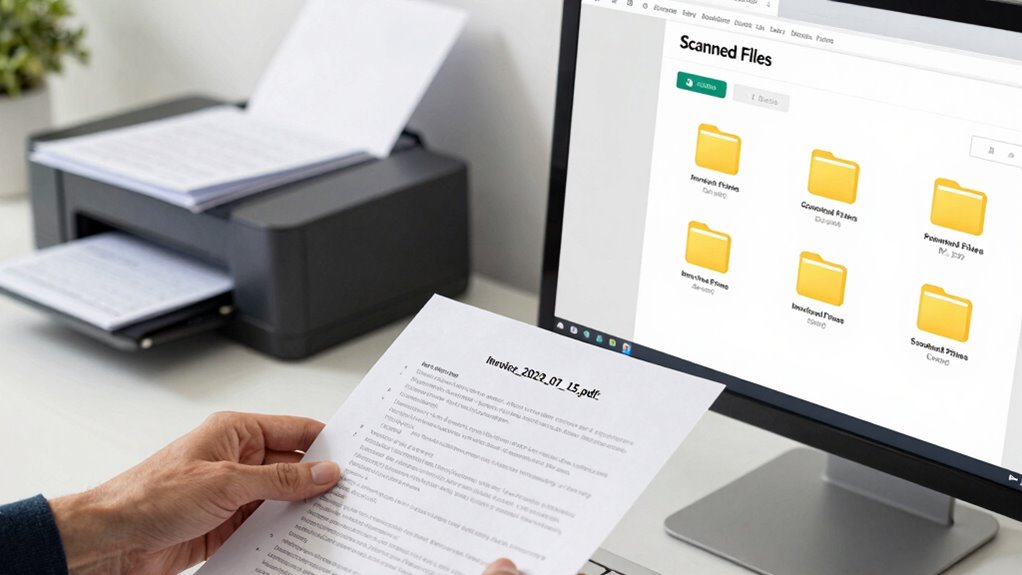
When you’re dealing with a large number of scanned files, giving them clear and consistent names can save you time and frustration. Without proper digital file organization, finding what you need can become a tedious, endless search. To avoid this, adopting effective naming conventions is essential. Start by establishing a system that makes sense for your files and stick to it. Use a format that includes relevant details such as date, document type, and subject, so each filename provides immediate context.
Consistent, descriptive filenames streamline file organization, saving time and reducing frustration in managing large collections of scanned documents.
For example, consider a naming convention like YYYYMMDD_DocumentType_Description. This way, your files are sorted chronologically and by category, making it easier to locate specific documents later. Avoid vague labels like “Scan1” or “Document” because they don’t give you enough information. Instead, be specific—”20230315_Invoice_ClientXYZ” clearly indicates the date and content. Consistency is key; once you choose a format, apply it uniformly across all your files. This consistency streamlines digital file organization, especially when dealing with hundreds or thousands of documents.
Another helpful tip is to keep filenames concise but descriptive. Long filenames can become cumbersome, especially when viewing files on small screens or in file explorers. Strike a balance by including enough detail to identify the document without overloading the filename. Use underscores or hyphens as separators to improve readability, and avoid spaces or special characters that can cause issues in some operating systems. Incorporating naming conventions into your workflow ensures your files remain organized and easy to find. Additionally, using consistent naming patterns helps maintain order as your collection grows. Keeping your naming system aligned with digital organization principles can further enhance your efficiency.
Consider also adding version numbers if you frequently update scanned documents. For example, “20230315_Proposal_v2” signals that there are multiple versions, helping you avoid confusion. Additionally, think about incorporating keywords that reflect the content, such as client names, project titles, or relevant topics, to enhance searchability. This practice aligns with good digital file organization by making files more discoverable through search functions. Proper file naming conventions can greatly improve your overall efficiency and reduce clutter.
Finally, regularly review and tidy your file names and folder structure. As your collection grows, what made sense initially might need adjustment. By maintaining a consistent naming convention and organizing your scanned files thoughtfully, you minimize the time spent searching and maximize your efficiency. Clear, descriptive, and systematic naming ensures your digital workspace remains manageable, accessible, and well-organized.
As an affiliate, we earn on qualifying purchases.
Frequently Asked Questions
Should I Include Version Numbers in File Names?
Yes, including version numbers in your file names aligns with digital naming conventions and file naming best practices. It helps you easily track updates and avoid confusion, especially when multiple versions exist. Use clear, consistent formatting like v1, v2, or date-based labels. This way, you can quickly identify the latest file, maintain organization, and guarantee everyone accesses the most current version without hassle.
How Do I Handle Naming Files From Different Projects?
When handling files from different projects, you should establish clear file naming conventions to keep digital archiving organized. Use project-specific prefixes, dates, and descriptive keywords to differentiate each file. This way, you create a rhythm that makes locating files effortless, even across multiple projects. Consistent naming conventions help you quickly identify and retrieve files, ensuring your digital archives remain tidy and accessible, regardless of project complexity or scope.
What’s the Best Way to Organize Scanned Files by Date?
To organize your scanned files by date, use clear file naming conventions that include the date in a standardized format, like YYYY-MM-DD. This helps you sort files chronologically and keeps your digital organization strategies straightforward. Always start with the most recent date, then add relevant details. Consistent naming conventions guarantee you can quickly locate files later, making your digital organization more efficient and less frustrating.
How Can I Ensure File Names Are Consistent Across Devices?
Coincidences often remind you that consistency matters. To guarantee file names stay uniform across devices, adopt clear file naming conventions aligned with digital file standards. Use consistent formats, like date or project names, and avoid special characters. Save templates or presets, so every device follows the same pattern. This way, regardless of the device, your files remain organized, easy to find, and seamlessly integrated across all platforms you use.
Is It Better to Use Abbreviations or Full Words in File Names?
Using full words in file names generally improves clarity, making it easier to identify files quickly. Abbreviations can save space, but only if they follow consistent file naming conventions and are clear to everyone who accesses the files. To guarantee abbreviation clarity, choose widely understood abbreviations and document your standards. This way, you maintain uniformity and make your scanned files easier to find, regardless of who accesses them.
Conclusion
Think of your file names as signposts in a vast forest. Clear, descriptive labels are like bright lanterns guiding you straight to what you need, without wandering lost. When you name your scanned files thoughtfully, you create a map that saves time and frustration. So, light the way with meaningful words, and your digital forest becomes a well-tended garden—beautiful, organized, and easy to explore whenever you need to find that important document.
Halloween Picks
halloween
As an affiliate, we earn on qualifying purchases.