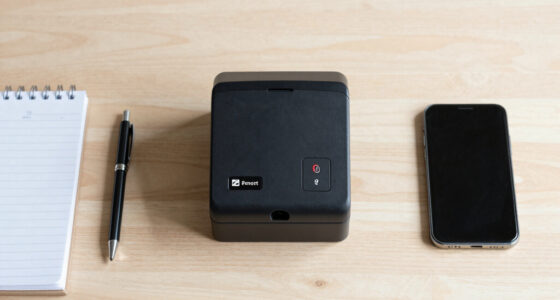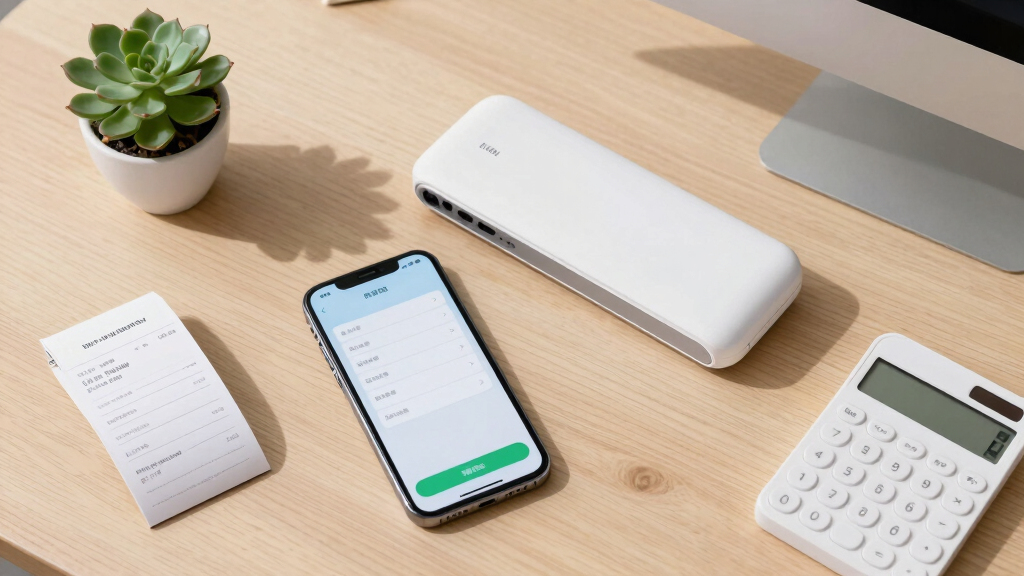

Finding the best receipt scanner for QuickBooks users involves balancing ease of use, integration, and reliability. The Canon imageFORMULA R40 stands out for its straightforward setup and robust data extraction, making it ideal for office environments. The Epson RapidReceipt RR-600W offers advanced two-sided scanning with smart software features, suited for heavy-duty needs. Many users face tradeoffs between portability and high-volume capacity, along with the complexity of software compatibility. Keep reading for a detailed breakdown of the top options tailored to different workflows and budgets.
Key Takeaways
- The top picks balance seamless QuickBooks integration with user-friendly interfaces.
- High-volume auto feeders are key for busy accountants or small business owners handling many receipts.
- Portability often conflicts with scanner capacity — choose based on your workspace size and mobility needs.
- Software compatibility and data extraction quality significantly influence long-term satisfaction.
- Premium models tend to offer better AI-assisted data management, but with a higher price tag.


More Details on Our Top Picks
Canon imageFORMULA R40 Office Document Scanner Receipt Edition, for PC and Mac, Scan & Extract Data to QuickBooks Online, Color Duplex Scanning, Auto Document Feeder, Easy Setup for Office Or Home Use
This model stands out for its combination of speed and ease of use, making it ideal for busy office or home environments. With a top scanning speed of up to 40 pages per minute, it significantly outperforms smaller or slower options like the Epson RapidReceipt RR-60. The included software allows direct export of data to QuickBooks Online, streamlining bookkeeping workflows. Compared to the ScanSnap iX2500, the R40 offers a more straightforward setup and faster batch processing, though it lacks the customizable profiles and touchscreen interface of the ScanSnap. The auto document feeder handles various document types and sizes, reducing manual intervention. A tradeoff is that it’s bulkier and less portable than handheld or mobile scanners. Overall, it’s best suited for users needing high-volume scanning at a dedicated workstation who prioritize speed and seamless QuickBooks integration.
Pros:- High-speed scanning up to 40 pages per minute
- Automatic extraction of key data for QuickBooks Online
- Color duplex scanning for multi-sided documents
- Auto Document Feeder for batch processing
Cons:- Bulkier footprint limits portability
- Basic interface without touchscreen or customizable profiles
Best for: Small business owners or accountants with regular bulk receipt processing at a fixed location
Not ideal for: Freelancers or remote workers needing portable or on-the-go scanning solutions
- Scan Speed:up to 40 pages per minute
- Document Handling:Variety of sizes, duplex
- Connectivity:USB, software plugin
- Auto Document Feeder:Yes
- Color Resolution:Color duplex
- Compatibility:PC and Mac
Bottom line: This scanner is best for users who need fast, reliable batch scanning and direct QuickBooks integration at a dedicated workspace.
Epson WorkForce ES-50 Portable Sheet-Fed Document Scanner for PC and Mac
This pick makes the most sense for professionals who need quick, portable scanning without sacrificing speed. It scans a single page in as little as 5.5 seconds, making it faster per sheet than the ScanSnap iX2500 for small batches. Its compact design and USB power make it ideal for traveling or remote work setups, although it is limited to single-sheet scans, unlike the high-capacity feeders of other models like the Epson RR-400W. Compared with the Canon R40, it offers superior portability but less batch capacity. The TWAIN driver compatibility ensures easy integration with various software, and the included Nuance OCR creates searchable PDFs. The main tradeoff is that it’s not suitable for high-volume or multi-page batch scanning, so it’s best for individuals who need quick scans on the move rather than bulk processing at a desk.
Pros:- Fast single-page scan in as little as 5.5 seconds
- Extremely portable and lightweight design
- USB powered, no external power required
- TWAIN driver compatibility for easy software integration
Cons:- Limited to single sheet scans, not ideal for bulk processing
- Smaller paper handling capacity
Best for: Freelancers, sales reps, or remote workers needing quick, portable receipt scanning
Not ideal for: Businesses with high-volume receipt processing or batch scanning needs
- Scan Speed:5.5 seconds per page
- Paper Capacity:Single sheet
- Connection Type:USB
- Compatibility:Windows and Mac
- Size:Extremely compact
- OCR:Nuance OCR for searchable PDFs
Bottom line: This scanner is perfect for mobile professionals who need fast, portable receipt scans without bulk capacity requirements.
ScanSnap iX2500 Receipt Edition, Works with QuickBooks, Wireless or USB High-Speed Cloud Enabled Invoices & Receipts Scanner, 100 Page Auto Document Feeder for Mac or PC, Black
Compared with the Canon R40, the ScanSnap iX2500 offers a more advanced, user-friendly experience thanks to its large touchscreen and customizable profiles. It scans up to 45 pages per minute, slightly slower than the R40’s maximum but with more features for personalized workflows. Its 100-sheet auto feeder allows efficient high-volume processing, ideal for busy accounting or office environments. The wireless connectivity adds flexibility to scan directly to cloud services or mobile devices, surpassing the more basic USB-only setup of the Canon. A tradeoff is that it’s more expensive and bulkier, making it less suitable for small, space-constrained offices or remote workers who don’t need advanced features. This model is best for users who prioritize speed, customization, and seamless integration with cloud and QuickBooks workflows.
Pros:- High-speed scanning up to 45 pages per minute
- Large 100-sheet automatic document feeder
- Touchscreen interface for quick profile selection
- Wireless and USB connectivity for flexible scanning
Cons:- Higher price point compared to simpler models
- Bulkier size reduces portability
Best for: Small businesses or accounting teams with high-volume receipt and invoice processing
Not ideal for: Solo entrepreneurs or remote workers with limited desk space or simpler needs
- Scan Speed:up to 45 ppm
- Document Capacity:100 sheets
- Connectivity:Wireless and USB
- Resolution:600 dpi
- Display:Large touchscreen
- Compatibility:Mac and PC
Bottom line: This scanner is ideal for high-volume users who need fast, customizable, and wireless scanning integrated with QuickBooks and cloud services.
Epson RapidReceipt RR-60 Mobile Tax Receipt and Color Document Scanner with Complimentary Data Management Software for PC & Mac
This compact scanner makes a solid choice for those who need portable, straightforward receipt scanning without complex features. Unlike the Epson RR-400W, it lacks a large automatic feeder but still offers quick scans at a rate of up to 10 pages per minute, suitable for light, occasional use. Its small size and lightweight design allow easy transport, making it a good option for on-the-go professionals or small business owners managing a handful of receipts. Compared to the Canon R40, it’s less suitable for batch processing but excels in portability and ease of setup. The included data management software helps organize scanned data, but the limited sheet capacity and slower speed mean it’s not ideal for high-volume environments. It’s best for users needing quick, mobile scans for occasional use rather than large batches or complex workflows.
Pros:- Very lightweight and portable design
- Fast enough for occasional scanning needs
- Includes data management software for organization
- USB powered, no external power needed
Cons:- Limited to 10 pages per minute speed
- No auto document feeder for batches
- Less suitable for high-volume processing
Best for: Small business owners or salespeople needing portable, quick receipt scans on the move
Not ideal for: High-volume processing or office-based workflows requiring bulk batch scanning
- Scan Speed:up to 10 pages per minute
- Paper Capacity:Limited to single sheets, 60 dpi
- Connection:USB
- Resolution:600 dpi
- Size:Very compact
- Software:Data management included
Bottom line: This scanner is best for mobile users needing quick, on-demand receipt scans without bulk capacity.
Epson RapidReceipt RR-400W Wireless Compact Desktop Color 2-Sided Document & Tax Receipt Scanner with ScanSmart AI PRO Data Management Software & 20-Page Auto Doc Feeder
Compared to the Epson RR-60, the RR-400W offers a larger 20-page auto document feeder and wireless connectivity, making it more suitable for small offices or hybrid setups where multiple users need access. Its fast 30 pages per minute scan speed and AI-powered data extraction make processing receipts and invoices efficient. The wireless feature allows scanning directly to cloud services or mobile devices, providing flexibility that the RR-60 lacks. However, it’s larger and more expensive, which might deter users with limited space or tight budgets. It also requires a power outlet, unlike the portable RR-60. This model is best for small teams or remote workers who need consistent, high-volume, two-sided scanning with cloud integration in a compact form.
Pros:- 20-page auto document feeder for high volume
- Wireless connectivity for flexible workflow
- High-speed scanning up to 30 ppm
- AI data extraction for seamless integration
Cons:- Bulkier and more expensive than mobile options
- Requires external power source
Best for: Small office teams or remote workers managing multiple receipts regularly
Not ideal for: Single users or those needing ultra-portable, on-the-go solutions
- Scan Speed:up to 30 ppm
- Document Capacity:20 pages
- Connectivity:Wireless and USB
- Resolution:600 dpi
- Media Handling:Color duplex
- Compatibility:PC and Mac
Bottom line: This scanner is ideal for small teams or remote offices needing efficient, two-sided, high-volume scanning with cloud support.
Epson RapidReceipt RR-70W Wireless Mobile Tax Receipt and Color Document Scanner with Complimentary Data Management Software for PC and Mac
This compact, wireless scanner stands out for its lightweight design, weighing under 11 ounces, making it ideal for on-the-go professionals who need quick, organized receipt management. Unlike the larger RR-600W, the RR-70W excels in portability but sacrifices some speed and capacity, with a maximum of 15 pages per minute and limited to single-sheet scanning. Powered by Epson’s ScanSmart AI PRO technology, it intelligently categorizes receipts and invoices, streamlining data entry into QuickBooks and TurboTax. The ability to create searchable PDFs and scan directly to cloud services enhances integration, though the device’s manual feed can be slow for large batches. Its battery or USB power options provide flexibility, but the small paper capacity limits use in high-volume environments. This pick makes the most sense for freelancers, small business owners, or anyone needing a portable, AI-enabled receipt scanner that easily connects to Mac and PC.
Pros:- Extremely lightweight and portable for mobile use
- Wireless scanning directly to cloud services and mobile devices
- AI technology categorizes and extracts data for quick integration into financial apps
Cons:- Limited to single-sheet scanning, which slows down batch processing
- Slower scan speed compared to larger desktop models like RR-600W
Best for: Small business owners or freelancers who need a portable, AI-driven scanner for occasional receipt and document capture.
Not ideal for: Businesses with high-volume scanning needs or those requiring duplex scanning, as its speed and capacity are limited.
- Scanner Type:Receipt
- Connection Type:Wi-Fi
- Resolution:600 dpi
- Wattage:3.1 watts
- Color Depth:24 bits
- Sheet Capacity:15
- Measurement:5.6″D x 13″W x 2.8″H
- Weight:0.66 pounds
Bottom line: This scanner is perfect for mobile professionals who prioritize portability and AI-enabled data extraction over high-volume throughput.
Epson RapidReceipt RR-600W Wireless Desktop Color 2-Sided Document & Tax Receipt Scanner with ScanSmart AI PRO Data Management Software for PC & Mac Touchscreen & 100-Page Auto Document Feeder
This larger, feature-rich scanner is designed for busy offices needing fast, high-capacity document handling. Its 100-page automatic document feeder and duplex scanning speed of up to 35 pages per minute make it significantly more efficient than the RR-70W, especially for batch processing of receipts, invoices, or multi-page documents. Powered by Epson’s ScanSmart AI PRO technology, it converts stacks of unorganized paperwork into categorized, AI-ready data that integrates seamlessly with QuickBooks. The 4.3″ color touchscreen allows for PC-free operation, and the device supports scanning directly to email, cloud, or USB, which reduces dependency on a computer. However, its larger size and higher price point make it less suitable for mobile users or those with limited space. This model is ideal for small to medium-sized offices seeking a fast, reliable, high-capacity scanner that handles double-sided documents efficiently.
Pros:- Fast duplex scanning at up to 35 pages per minute
- High-capacity 100-page auto document feeder
- Intuitive 4.3″ touchscreen for PC-free operation
- Excellent for batch processing multiple pages and double-sided documents
Cons:- Bulkier and heavier, requiring dedicated space in the office
- Higher price point compared to portable models like RR-70W
- More complex setup for users unfamiliar with advanced office equipment
Best for: Office environments or small businesses with high-volume scanning needs and a preference for duplex, multi-page processing.
Not ideal for: Individuals or mobile users who require a lightweight, portable scanner for occasional use, due to its bulk and price.
- Scanner Type:Document, Receipt
- Connection Type:Wi-Fi
- Resolution:600 dpi
- Wattage:13 watts
- Color Depth:24 bits
- Sheet Capacity:100
- Measurement:14.25″D x 10.25″W x 12.38″H
- Weight:8.2 pounds
Bottom line: This scanner is best suited for busy offices needing rapid, high-capacity, two-sided scans and seamless integration with QuickBooks.
How We Picked
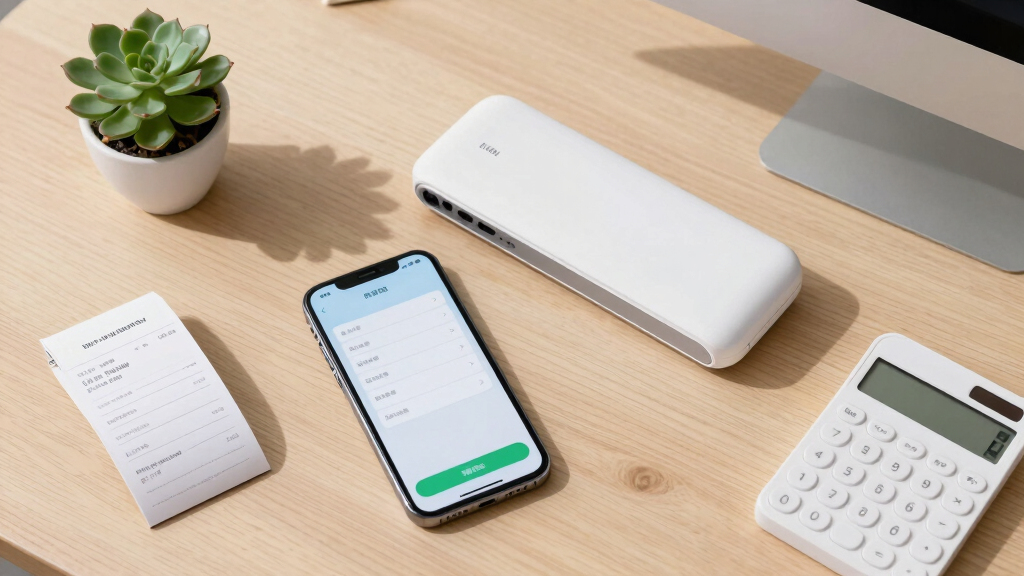
These products were evaluated based on their compatibility with QuickBooks, scanning speed, ease of setup, build quality, and data management features. We prioritized models that offer straightforward integration with QuickBooks Online and desktop versions, as well as those that facilitate high-volume scanning without sacrificing reliability. Cost-effectiveness and user interface also played roles, ensuring that options cater to both beginners and advanced users. The ranking reflects a balance between performance, value, and software ecosystem to help buyers find the best fit for their specific needs.Factors to Consider When Choosing Best Receipt Scanner For Quickbooks Users
When selecting a receipt scanner for QuickBooks, consider how the device fits your workflow, budget, and workspace. Beyond basic features, understanding software compatibility, volume capacity, and ease of use can prevent costly mistakes and improve your overall experience. The right scanner should streamline data entry, reduce errors, and integrate smoothly with your existing accounting setup.Compatibility with QuickBooks and Software Ecosystem
Ensure the scanner easily integrates with your version of QuickBooks, whether desktop or online. Some models offer dedicated software or direct cloud connectivity that simplifies data transfer. Compatibility reduces manual data entry and minimizes errors, saving you time and frustration. Look for scanners that explicitly mention QuickBooks support or come with data export options compatible with your accounting software.
Volume Capacity and Auto-Feeder Features
If you process many receipts regularly, prioritize models with higher page capacity and fast auto feeders. High-volume scanners reduce the need for manual feeding and speed up your workflow. However, larger-capacity devices tend to be bulkier and more expensive, so consider your spatial constraints and processing needs. Balance capacity with portability if you also require mobility for remote work or on-the-go scanning.
Ease of Use and Setup
A straightforward setup process and intuitive interface are essential, especially for users who are not tech-savvy. Features like wireless connectivity, simple software installation, and guided prompts can significantly cut down on setup time. Avoid overly complex models if you prefer quick, hassle-free operation, but recognize that some advanced features may require a learning curve.
Data Management and AI Features
Advanced data extraction and AI-powered organization can streamline your bookkeeping. Look for models with OCR (optical character recognition) that accurately read receipts and software that auto-categorizes expenses. These features can save hours of manual data entry and improve bookkeeping accuracy, especially for frequent users or those handling a high volume of receipts monthly.
Build Quality and Portability
Durable construction and compact design matter if your workspace is limited or if you need to carry the scanner between locations. Portable models excel for remote workers or mobile businesses, but they often sacrifice capacity or features found in desktop units. Consider your environment and whether a lightweight, portable device can meet your volume and durability needs.
Frequently Asked Questions
Will my existing QuickBooks version support the scanner I choose?
Most modern receipt scanners are designed to work with popular QuickBooks versions, but it’s essential to verify compatibility before purchasing. Check the manufacturer’s specifications for software integration and supported QuickBooks editions, especially if you’re using older or specialized versions. Many scanners come with dedicated software that simplifies exporting data directly into QuickBooks, reducing manual entry errors.
Is wireless scanning reliable enough for high-volume use?
Wireless scanners can be highly reliable when equipped with quality Wi-Fi or Bluetooth modules, but they may encounter connectivity issues in busy networks or congested environments. For high-volume scanning, models with wired connections or dedicated auto feeders often provide more consistent speed and fewer interruptions. If portability is a priority, opt for a wireless model with strong reviews for stability and ease of connection.
What’s the best way to ensure data accuracy when scanning receipts?
Using a scanner with advanced OCR capabilities and AI data recognition minimizes errors. Regular software updates and proper calibration also improve accuracy. For critical data, double-checking a few scans or using manual correction features can prevent costly mistakes. Investing in a device with high-quality sensors and reliable software integration tends to produce the most accurate results over time.
Should I prioritize portability or high-volume capacity?
This depends on your workflow. If you frequently scan receipts on the go or at different locations, portability might be more valuable despite lower capacity. Conversely, if you process hundreds of receipts weekly at a fixed workspace, a high-capacity desktop model makes more sense. Ideally, evaluate your typical volume and mobility needs to choose a balanced device that suits your routine.
Are premium models worth the higher price for small business use?
Premium models often offer superior data management, faster processing, and better build quality, which can translate into long-term savings and less frustration. For small businesses with high receipt volumes or complex bookkeeping needs, investing in a higher-end scanner can boost productivity and accuracy. However, for occasional use, a more affordable model might meet your needs without unnecessary expense.