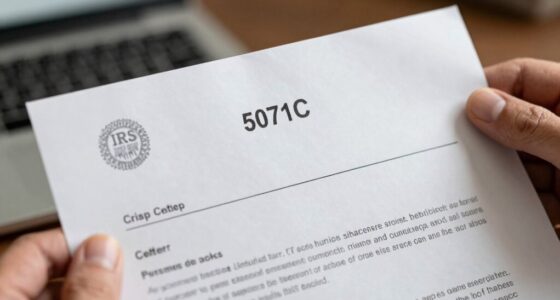

Most people only need a few gigabytes of storage to digitize their tax records and receipts. These files are usually small, ranging from a few hundred kilobytes to a few megabytes each. Your storage needs depend on how many documents you scan and how often. If you’re organized and only keep essential files, you’ll stay well within typical cloud storage plans. Keep scrolling to discover tips on estimating your storage needs more precisely.

Get smart everyday buys delivered free — and shop member deals
- Fast, free delivery on millions of items
- Access to Prime Big Deal Days deals on October 6–7
- Prime Video, Amazon Music and more included
Key Takeaways
- Most home users need only a few gigabytes for storing scanned receipts and tax documents annually.
- File sizes typically range from a few hundred KB to a few MB per document, depending on resolution.
- High-resolution scans and large volumes increase total storage requirements over time.
- Estimating scanning habits and receipt volume helps determine appropriate storage plans.
- Cloud services offer scalable storage options, enabling easy expansion as your digital record collection grows.

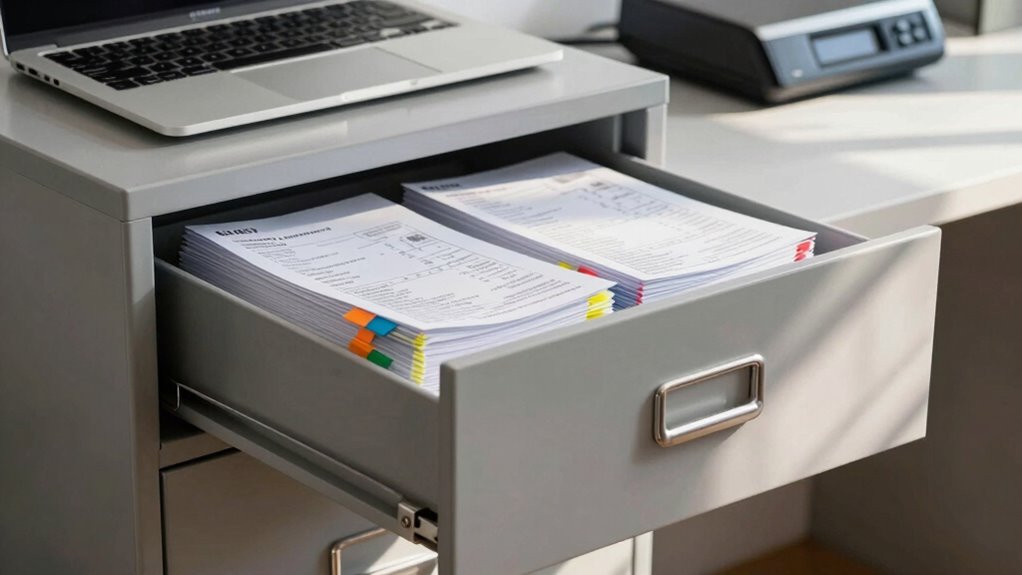
Keeping your tax records and receipts organized is essential to guarantee you can easily access them when needed, whether for filing your taxes or in case of an audit. One of the best ways to do this is by digitizing your documents. When you scan your receipts and records, you create a digital backup that’s safer and easier to manage than stacks of paper. You don’t have to worry about losing important documents due to fire, flood, or simple misplacement. Instead, you can store these digital copies securely and access them anytime from your computer or mobile device.
But how much storage do you really need for all your scanned tax records and receipts? The answer depends on how many documents you handle annually and the quality of your scans. Generally, receipts and tax documents are small files, often ranging from a few hundred kilobytes to a couple of megabytes each, especially if you scan in high resolution. If you’re someone who keeps records for multiple years or handles a lot of receipts for business expenses, your digital storage needs can add up. Still, even with a large volume of documents, most home users won’t need more than a few gigabytes to store everything comfortably.
This is where cloud storage comes into play. Cloud services like Google Drive, Dropbox, or OneDrive offer flexible storage options, letting you scale up as your collection grows. You can start with a small plan and upgrade later, so you’re not paying for more space than you need initially. Cloud storage also makes it easier to organize your files into folders by year, category, or expense type, and to access them from anywhere. Plus, these platforms often come with automatic backup features, providing an extra layer of security for your digital copies. Additionally, understanding the storage requirements for your documents helps you plan your digital organization strategy efficiently.
By assessing your digital storage needs, you can better determine the appropriate plan and tools to keep your records safe and accessible. When considering how much storage to allocate, think about your habits. Do you scan every receipt immediately, or do you wait until the end of the year? Do you keep digital copies of all receipts, or only those above a certain amount? Based on these habits, you can estimate your annual storage needs and choose a plan accordingly. Remember, it’s better to have a little extra space than to run out of storage when you need your documents most. Ultimately, a combination of a reliable digital backup system and cloud storage provides a secure, accessible, and efficient way to manage your tax records and receipts for years to come.
external hard drive for document storage
As an affiliate, we earn on qualifying purchases.
As an affiliate, we earn on qualifying purchases.
Frequently Asked Questions
How Long Should I Keep Digital Copies of Tax Records?
You should keep digital copies of tax records for at least seven years, as IRS recommends this period for audits or discrepancies. Regularly review your files to maintain good document organization and avoid digital clutter. After this time, securely delete outdated records to achieve digital decluttering. This approach guarantees you have necessary documents when needed without cluttering your storage space with unnecessary files.
What File Formats Are Best for Scanning Receipts?
You should scan receipts in formats like PDF or TIFF, which balance image quality and file compression effectively. PDFs are versatile and easy to organize, while TIFFs preserve high image quality for detailed records. Opt for formats that support compression without sacrificing clarity, ensuring your scans remain clear and storage-efficient. This way, your receipts stay legible and accessible without taking up unnecessary space.
Do I Need to Back up My Scanned Tax Documents?
Yes, you should back up your scanned tax documents. Use cloud storage options for easy access and added security. Make sure your backups include data encryption to protect sensitive information. Regularly update your backups to prevent data loss, especially after filing or making changes. This way, your important tax records stay safe and accessible, giving you peace of mind during tax season and in case of emergencies.
How Secure Are Digital Storage Options for Sensitive Records?
Coincidentally, digital storage options for sensitive records are quite secure if you choose reputable services. You benefit from advanced encryption protocols that protect your data during transmission and storage. Cloud security measures, like multi-factor authentication and regular audits, further safeguard your information. While no system is entirely foolproof, these protections considerably reduce risks, making digital storage a safe and reliable choice for your scanned tax records and receipts.
Can I Delete Scanned Receipts After a Certain Period?
Yes, you can delete scanned receipts after a certain period, especially if they’re stored securely in cloud storage. To guarantee safety, consider physical destruction of the original receipts once you’ve digitized them and no longer need the paper copies. Cloud storage offers convenient access, but always verify your digital files are backed up and secure before deleting physical copies, balancing digital and physical destruction for ideal record management.
Conclusion
In fact, the IRS recommends keeping tax records for at least seven years, but many people store digital copies indefinitely. Did you know that the average person has over 1,200 receipts cluttering their wallet or drawer? By digitizing and organizing these records, you can save up to 80% of physical storage space. So, consider scanning your receipts and tax documents—you’ll save space, reduce clutter, and keep important records easily accessible when you need them most.
Halloween Picks
halloween
As an affiliate, we earn on qualifying purchases.