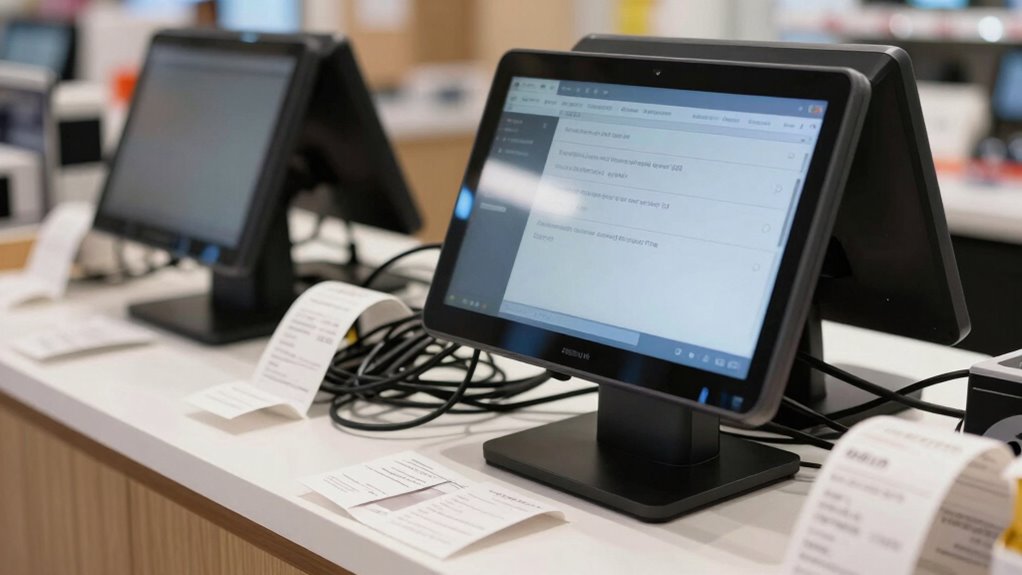

You might think a POS bundle offers a quick, all-in-one solution, but you often discover hidden costs and complexity only after setup. Extra charges for add-ons, ongoing software updates, and troubleshooting can add up quickly, making the system more expensive than expected. Compatibility issues with your existing tools may force costly third-party integrations, disrupting customer service. If you’re curious about how to avoid these pitfalls, there’s more to uncover that can save your business long-term.

Get smart everyday buys delivered free with Prime
- Fast, free delivery on millions of items
- Prime Video, Amazon Music and more included
- Member-only deals all year
Key Takeaways
- Hidden costs of additional add-ons and ongoing maintenance often become apparent only after setup.
- Compatibility issues with existing systems may require costly third-party integrations.
- Limited transparency during purchase can lead to unexpected expenses and troubleshooting delays.
- Poor integration hampers customer experience and data management, impacting sales and satisfaction.
- Initial setup costs may be misleading, with long-term operational expenses emerging post-implementation.
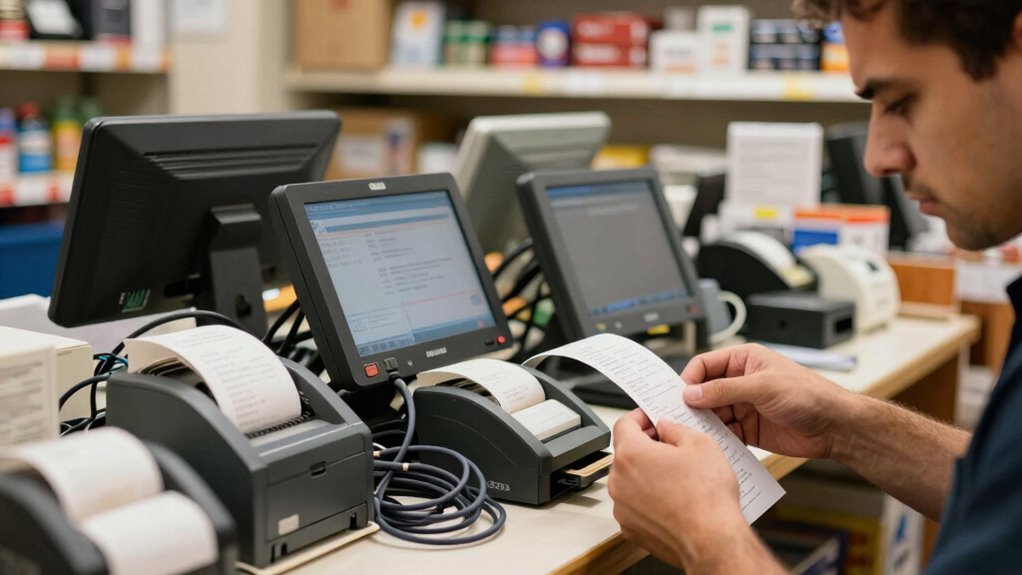
Have you ever felt frustrated after setting up a new POS system only to realize it’s more costly or complicated than expected? That’s a common experience among small business owners who fall into the POS bundle trap. These bundles often promise a quick, all-in-one solution, but once you dig deeper, you discover hidden costs and unforeseen hurdles. You might find that the bundled software doesn’t integrate smoothly with your existing tools, leading to extra expenses and time-consuming workarounds. This can disrupt your customer engagement efforts, as inconsistent or clunky software hampers your ability to deliver a seamless shopping experience. Instead of simplifying your operations, these bundles can complicate transactions, inventory management, and customer data collection.
What catches many small business owners off guard is the assumption that the bundled software will integrate effortlessly with other systems. In reality, software integration can be a major pain point. Many POS bundles come with pre-selected features that aren’t compatible with your current customer relationship management (CRM) tools or marketing platforms. This forces you to spend additional money on third-party integrations or custom solutions, which the initial bundle didn’t cover. As a result, your efforts to boost customer engagement—like personalized promotions or loyalty programs—get delayed or compromised because your POS system doesn’t communicate effectively with your marketing tools. This fragmentation diminishes customer satisfaction and makes it harder to build lasting relationships.
Furthermore, the cost of these bundles isn’t always transparent upfront. They often include add-ons that seem optional but become necessary for your business to function properly. These hidden charges quickly add up, turning what seemed like a budget-friendly package into a costly investment. You might also find that after the setup, the system requires frequent updates or troubleshooting, which adds to your operational headaches. Instead of focusing on your core business activities, you spend time managing software issues or trying to make incompatible tools work together.
In the long run, the importance of understanding software compatibility** becomes clear, as it directly impacts your ability to operate smoothly and maintain customer satisfaction. The real problem with the POS bundle trap is not just the initial setup surprise but the long-term impact on your customer engagement and operational efficiency. When your POS system doesn’t integrate properly, your ability to provide a smooth, engaging experience for your customers suffers. You may lose sales, face customer dissatisfaction, or spend more on fixing these issues than you initially budgeted. Being aware of these pitfalls helps you make smarter choices—by carefully evaluating what’s included in the bundle, checking for compatibility, and planning for future integration needs**. This way, you avoid the costly trap and set your small business up for real success.
POS system compatibility checker
As an affiliate, we earn on qualifying purchases.
As an affiliate, we earn on qualifying purchases.
Frequently Asked Questions
How Can I Identify a POS Bundle Trap Before Purchasing?
You can identify a POS bundle trap before purchasing by checking the vendor’s reputation and customer reviews. Look for consistent complaints about hidden fees, poor support, or overly complex setups. If reviews mention surprise costs after installation or difficulty customizing the system, steer clear. Research multiple vendors, compare their offerings, and ask for detailed quotes. Being thorough helps you avoid being locked into a costly, inflexible POS bundle later.
Are There Specific Signs Indicating a POS Bundle Is Overpriced?
You’ll notice a POS bundle is overpriced when the pricing transparency feels murky, like fog obscuring details. If the vendor’s reputation raises red flags or they dodge answering questions about costs, it’s a warning sign. Beware of bundled offers that seem too good to be true, as they often hide hidden fees or unnecessary features. Trust reputable vendors who openly share clear, straightforward pricing, and avoid those hiding costs behind vague promises.
What Are the Hidden Costs Associated With POS Bundles?
Hidden fees and confusing contract clauses often catch you off guard with POS bundles. You might face extra charges for software updates, technical support, or hardware repairs that aren’t clear upfront. Some contracts include restrictive clauses that lock you in for long periods or limit your options, costing you more in the long run. Always read the fine print carefully, and ask about any fees or clauses before committing to a bundle.
How Do I Compare Different POS Solutions Effectively?
To compare POS solutions effectively, focus on user training and technical support offered. Ask if the provider offers extensive training to help your staff adapt quickly. Check the quality and availability of technical support, ensuring help is accessible when needed. Review the costs associated with training and support, and consider user-friendliness, integration capabilities, and scalability. This approach helps you find a solution that truly meets your business needs without hidden surprises.
Can I Customize a POS Bundle to Fit My Business Needs?
Think of your POS system as a tailor-made suit — it should fit your business perfectly. Yes, you can customize a POS bundle with the right POS hardware and software options. You can pick features, add peripherals, or adjust the software to match your workflow. Just make certain the bundle is flexible enough to adapt as your business grows, so you’re not stuck with a one-size-fits-all solution.
Conclusion
Once you’re deep into your POS bundle setup, it’s like realizing you’ve bought a fancy bicycle with no pedals—you’re ready to ride, but stuck. Many small businesses discover costly surprises only after the fact, turning smooth sailing into a bumpy ride. To avoid this, do your homework before purchasing. Think of it as checking the bike’s pedals first—ensuring everything works together, so you’re cruising, not pedaling in circles.
Halloween Picks
halloween
As an affiliate, we earn on qualifying purchases.