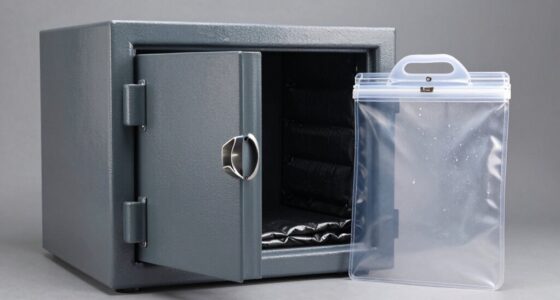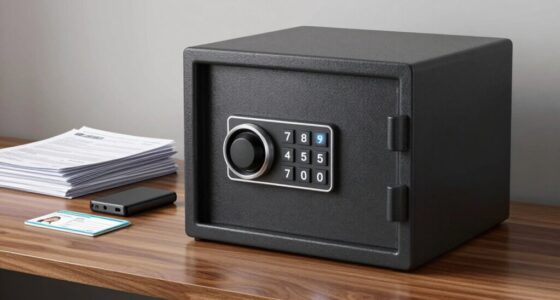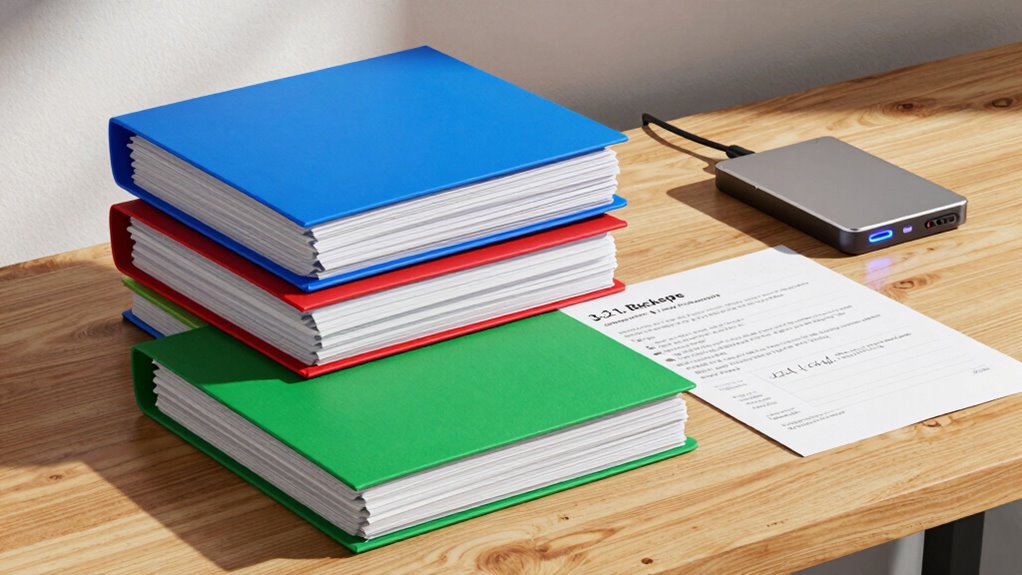
The 3-2-1 backup rule helps you protect your tax records by keeping three copies of your files. You store two copies on different types of media, like an external drive and removable storage, for diversity. Plus, you keep at least one backup offsite, such as in cloud storage, to guard against local disasters. This method reduces the risk of losing important documents. If you want to see how to make this work smoothly, there’s more to discover.

Get smart everyday buys delivered free with Prime
- Fast, free delivery on millions of items
- Prime Video, Amazon Music and more included
- Member-only deals all year
Key Takeaways
- Maintain three copies of tax records to ensure redundancy and data security.
- Use two different storage media, such as an external drive and cloud storage, for diversity.
- Store at least one backup offsite to protect against local disasters or theft.
- Encrypt sensitive files before uploading to cloud storage for added security.
- Regularly update and organize backups for quick access during tax season.
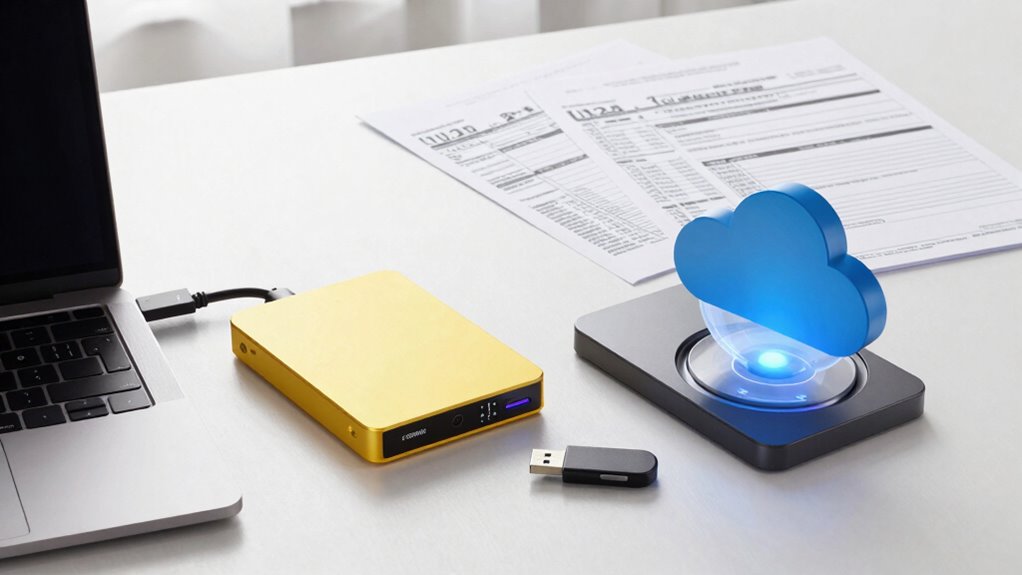
Ensuring your tax records are safely stored is crucial, especially when tax season rolls around. The 3-2-1 backup rule is a simple yet effective strategy to protect your important documents from loss, theft, or damage. It involves keeping three copies of your data, using two different storage media, with at least one copy stored offsite. This approach minimizes the risk of losing everything if something goes wrong. When applying this rule to your tax records, you might keep the original files on your computer, create a backup on an external hard drive, and store another copy in cloud storage. Cloud storage offers convenience and accessibility, allowing you to access your tax documents from anywhere, but make sure you use data encryption to keep your sensitive information secure. Data encryption transforms your files into unreadable code, preventing unauthorized access even if your cloud storage account is compromised.
The first step in the 3-2-1 backup rule is maintaining multiple copies of your tax records. You should always have the original documents, such as scanned copies or digital files, stored safely. The second step involves creating a duplicate on a different storage medium—an external drive, USB flash drive, or other removable media. This provides redundancy, so if one device fails, your records are still safe. The third step is storing at least one backup offsite, which is where cloud storage becomes especially useful. Cloud providers host your data securely, and many offer automatic backups, making it easier to keep your tax records current. Just remember, security is key; always enable data encryption when uploading sensitive files. Encryption ensures that, even if hackers access your cloud account, they won’t be able to read your confidential tax information. Additionally, understanding data security principles can further help you protect your digital documents effectively, especially when considering the importance of data backup strategies in safeguarding critical information. Recognizing the importance of data management can also help you organize and retrieve your records more efficiently during tax season, particularly when you implement effective organization methods.
external hard drive for data backup
As an affiliate, we earn on qualifying purchases.
As an affiliate, we earn on qualifying purchases.
Frequently Asked Questions
How Often Should I Update My Tax Record Backups?
You should update your tax record backups regularly, ideally after each significant transaction or at least quarterly. Use backup scheduling to set automatic updates, guaranteeing your data stays current. Before backing up, apply digital encryption to protect sensitive information. Regular updates minimize the risk of data loss and ensure your backups are reliable when you need them, giving you peace of mind during tax season or audits.
What Devices Are Best for Storing Backup Copies?
You should use external drives and network storage devices for storing backup copies. External drives are portable and easy to connect to your computer, making them ideal for quick backups. Network storage, like NAS devices, offers centralized, secure storage accessible from multiple devices, perfect for safeguarding your tax records. Combining both guarantees redundancy, so your data stays safe even if one device fails.
Can Cloud Backups Meet the 3-2-1 Rule?
Sure, cloud backups can meet the 3-2-1 rule—if you trust cloud security as much as you trust your sock drawer. You should keep multiple copies, with at least one off-site, but don’t rely solely on cloud storage. Combine it with physical storage to guarantee your tax records are protected from cyber threats and physical disasters. After all, a hybrid approach is your best defense against data loss.
What Are Common Mistakes When Implementing This Backup Rule?
When implementing the 3-2-1 backup rule, you might forget to regularly verify your backups, risking data loss. Also, neglecting data encryption can leave sensitive tax records vulnerable. Common mistakes include not testing recovery processes and relying solely on cloud backups without local copies. To avoid these, make certain you verify backups frequently and encrypt data during storage and transfer, maintaining a secure, reliable backup strategy.
How Long Should I Keep Archived Backup Copies?
You should keep archived backup copies for at least seven years, the typical IRS audit window. Ironically, while you protect your data with encryption protocols and physical security, many forget how long to retain these backups. Storing them too long risks outdated security standards, but deleting too soon might jeopardize taxproofing. So, keep your backups securely stored for the recommended period, then responsibly destroy old copies to avoid unnecessary risks.
Conclusion
By following the 3-2-1 backup rule for your tax records, you guarantee they’re as safe as a treasure chest in a vault. Just like you wouldn’t leave your keys in the ignition, don’t rely on a single copy. Keep multiple backups in different places, so if one fails, you’re still covered. It’s a simple strategy that acts like a safety net, catching you if you stumble, and keeps your important tax info secure and accessible.
Fall Picks
fall essentials
As an affiliate, we earn on qualifying purchases.