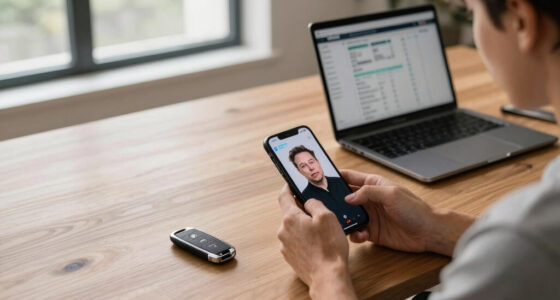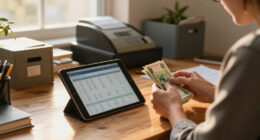
A common setup mistake that can slow down remote deposit more than the scanner itself is improper check positioning. If you don’t align the check correctly, make sure it’s fully visible, flat, and free of shadows, it can cause delays or rejections. Poor environmental setup, like bad lighting or shaky hands, also affects image quality and processing time. Fixing these issues can drastically improve your remote deposit speed and accuracy—there’s much more to learn on how to do it right.
Key Takeaways
- Poor check positioning can cause misreads, delaying deposit processing more than scanner issues.
- Inadequate lighting or shadows distort images, leading to rejections and processing delays.
- Using incorrect scanner settings, like low resolution or improper calibration, hampers image clarity.
- Holding the device unevenly or capturing crooked images increases rejection rates.
- Neglecting environmental factors such as reflections or shadows can significantly slow deposit approval.
Setting up your remote deposit scanner correctly is essential, because one simple mistake can slow down the entire process more than the scanner itself. When you’re using mobile banking to deposit checks, proper check imaging is crucial to ensure your deposit is processed smoothly. If the scanner isn’t configured properly or the check images aren’t clear, it can cause delays that frustrate both you and your bank. Small setup errors, like misaligned checks or incorrect scanner settings, often lead to rejected deposits or the need for manual review, which takes more time than you’d expect.
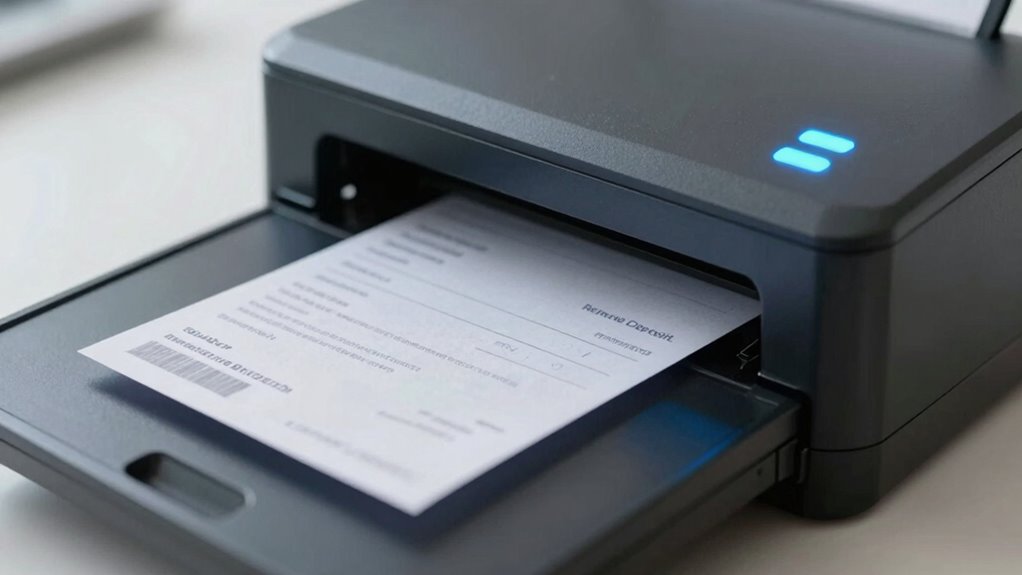
First, pay close attention to how you position the check in the scanner. Proper check imaging depends on aligning the check correctly within the designated area, making sure the entire check is visible and flat. Crooked or partial images tend to be rejected because they’re difficult for the bank’s system to read accurately. When you’re using mobile banking, the quality of your check images impacts how quickly the bank can verify and process your deposit. Smooth, clear images reduce the risk of rejection and help you avoid unnecessary follow-up. Additionally, check image quality plays a vital role in preventing processing delays.
Ensure your check is flat and properly aligned for clear images and quicker processing.
Another common mistake involves scanner settings. Many scanners have adjustable resolution and color options. If you set the resolution too low, the images may appear blurry or pixelated, impairing the bank’s ability to read the check details accurately. Conversely, setting the resolution too high can result in larger file sizes that slow down upload times. Striking the right balance is key—aim for a resolution that produces a crisp image without creating unnecessary delays. Also, ensure that the scanner’s color mode is appropriate; black and white scans are typically sufficient and faster for check imaging. Ensuring proper scanner calibration can further enhance image quality and reduce processing errors.
The environment where you set up your scanner also matters. Make sure you work in a well-lit area, so the check’s details are captured clearly. Avoid reflections or shadows that can obscure important information like the account number or signature. When using mobile banking, take the picture steadily, holding your device still to capture a sharp, legible image. Using a clean, flat surface helps prevent wrinkles or folds that can distort the check image. Additionally, proper scanner calibration can improve image quality and reduce the chance of errors in processing.

Digital Check TellerScan TS250-55IJ Check Scanner
- Supported by Financial Institutions: Verify compatibility before purchase
- Scan Speed Options: 55, 75, or 120 documents per minute
- Network-Ready Connectivity: Ethernet-over-USB support
As an affiliate, we earn on qualifying purchases.
As an affiliate, we earn on qualifying purchases.
Frequently Asked Questions
How Can I Tell if My Remote Deposit Is Processing Slowly?
You can tell if your remote deposit is processing slowly by checking your banking app or online account for delayed updates or pending statuses. Look out for errors or repeated attempts, which might indicate deposit troubleshooting issues. Keep in mind, banking security measures could also slow the process if extra verification steps are triggered. If delays persist, contact your bank’s support to make certain your deposit is secure and progressing smoothly.
Are There Specific Scanner Brands That Perform Better?
Yes, some scanner brands perform better due to superior compatibility and reliability. Look for brands known for consistent scanner compatibility with your remote deposit app, like Epson or Fujitsu, which are praised for their reliability. Choosing a reputable brand reduces setup issues and speeds up processing, ensuring smoother deposits. Always check reviews and compatibility lists to confirm the scanner works seamlessly with your banking system, preventing delays caused by incompatible or unreliable devices.
Does Internet Speed Affect Remote Deposit Processing Time?
Yes, internet speed impacts remote deposit processing time. A slow connection can cause delays in transmitting images and data to your bank’s network, which slows down deposit confirmation. To guarantee quick deposits, use a stable, high-speed internet connection. This helps your bank process your deposit faster, reducing waiting time and preventing unnecessary errors caused by network interruptions. Fast internet keeps your deposits moving smoothly through the bank’s system.
Can Software Updates Improve Deposit Speed?
A stitch in time saves nine, so updating your software can boost deposit speeds. Regularly updating your mobile app guarantees smoother user authentication and fewer bugs, which can delay deposits. Software updates often include performance improvements that speed up processing. By keeping your app current, you reduce delays and make your remote deposit experience faster and more reliable, saving you time and frustration with each transaction.
What Security Measures Should I Consider When Depositing Remotely?
When depositing remotely, you should prioritize strong security measures like using encryption protocols to protect your data during transmission. Make sure your bank employs robust user authentication methods, such as two-factor authentication, to verify your identity. Always keep your device’s software up to date, avoid public Wi-Fi networks, and regularly change passwords. These steps help safeguard your account and prevent unauthorized access during remote deposits.
Conclusion
Think of setting up your remote deposit like steering a ship. A small misstep in your setup—like an uneven course—can slow you down more than the engine itself. But once you’re on the right path, smooth sailing follows. Pay attention to those little details, and you’ll find your deposits glide seamlessly, saving time and frustration. Remember, a steady hand at the helm makes all the difference in reaching your destination efficiently.