
To avoid identity theft when filing online, make certain you use a secure, password-protected Wi Fi network and avoid public Wi Fi. Create and use strong, unique passwords for each account, and turn on two-factor authentication whenever possible. Always verify that websites start with “https://” to confirm secure connections. Keep your device updated and stay cautious with links and attachments. If you follow these tips, you’ll be better prepared to protect your personal info; more expert advice awaits if you continue.

Get smart everyday buys delivered free — and shop member deals
- Fast, free delivery on millions of items
- Access to Prime Big Deal Days deals on October 6–7
- Prime Video, Amazon Music and more included
Key Takeaways
- Use a secure, encrypted Wi Fi network and avoid public or unsecured connections.
- Create strong, unique passwords and enable two-factor authentication on all tax accounts.
- File only through official, HTTPS-enabled websites and verify their authenticity.
- Keep your devices updated and avoid clicking suspicious links or downloading unknown attachments.
- Log out completely and clear your browser cache after filing to prevent unauthorized access.

Filing your taxes online offers convenience, but it also opens the door to identity theft if you’re not careful. Cybercriminals are always on the lookout for vulnerable taxpayers, and lax security habits can make you an easy target. To protect yourself, start by guaranteeing you’re using a secure Wi Fi connection. Public Wi Fi networks are notorious for their vulnerabilities, making it simple for hackers to intercept your data. Instead, connect only to trusted, password-protected networks in your home or office. Even then, double-check that your Wi Fi is encrypted with WPA3 or WPA2 security protocols, which help safeguard your information from eavesdropping.
Next, focus on creating strong passwords. When setting up accounts to file your taxes online, never rely on simple or easily guessed passwords like “password123” or your birthdate. Instead, develop a complex passphrase combining uppercase and lowercase letters, numbers, and symbols. Use a unique password for your tax-related accounts to prevent a breach in one area from compromising your entire digital presence. Consider using a reputable password manager to generate and store these robust passwords securely. This way, you won’t have to remember every detail, reducing the temptation to reuse passwords across multiple sites.
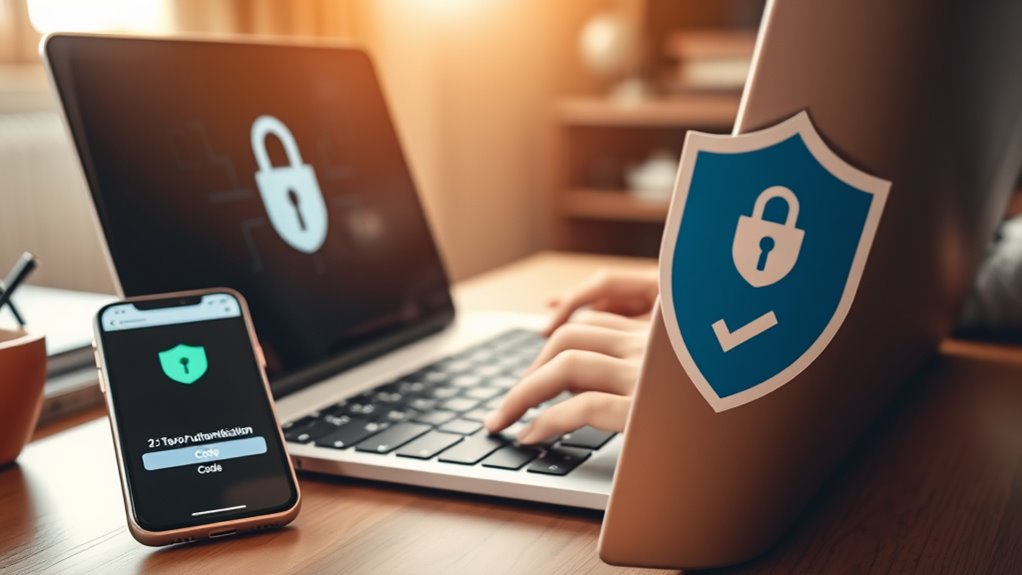
Additionally, always enable two-factor authentication (2FA) whenever possible. This extra layer of security requires you to verify your identity through a secondary method, such as a text message or authentication app, making it considerably harder for hackers to access your account even if they obtain your password. Keep your device’s software updated. Regular updates patch security vulnerabilities that cybercriminals can exploit to gain unauthorized access. Avoid clicking on suspicious links or downloading attachments from unknown sources, as these can be vectors for malware designed to steal your information.
When you’re ready to file your taxes online, use official, trusted platforms. Verify the website’s URL begins with “https://”—the “s” indicates a secure connection. Be cautious about sharing sensitive information on unfamiliar sites or through email requests. After submitting your return, log out of your account completely and clear your browser cache to eliminate any stored login data. If you’re using a shared or public computer, avoid accessing sensitive accounts altogether; instead, use your personal device with proper security measures in place. Remember, attention to detail and cautious behavior are key components in preventing identity theft during online tax filing.
In essence, protecting yourself from identity theft when filing online hinges on your security habits. A secure Wi Fi connection, strong passwords, two-factor authentication, and cautious online behavior form a robust defense. Staying vigilant and proactive can help ensure that your tax filing process remains safe and your personal information stays protected.
Frequently Asked Questions
Can Identity Theft Occur Through Phone Calls About Tax Filings?
Yes, identity theft can happen through phone call scams about tax filings. Scammers may call claiming to be from the IRS, sending fake tax notices, or requesting personal information. Be cautious if you receive unexpected calls asking for your details. Never share sensitive info over the phone, especially if you didn’t initiate the call. Always verify the caller’s identity through official channels to protect yourself from fraud.
Are There Specific Antivirus Programs Recommended for Secure Online Filing?
Yes, there are specific antivirus software and secure browsers you should use for safe online filing. Choose reputable antivirus programs like Norton, Bitdefender, or Kaspersky that offer real-time protection and anti-malware features. Additionally, use secure browsers such as Chrome, Firefox, or Edge with updated security settings. These tools help protect your personal information from cyber threats, ensuring your online tax filing remains private and secure.
How Do I Report Suspected Identity Theft Related to My Tax Return?
Imagine your tax return is a treasure chest, and thieves have tried to pry it open with stolen social security numbers, risking tax refund fraud. To report suspected identity theft, contact the IRS immediately through their Identity Theft page or call their hotline. File a police report if needed, and alert your bank. Stay vigilant and keep detailed records — quick action helps protect your financial security.
Is It Safe to Use Public Wi-Fi When Filing Taxes Online?
Using public Wi-Fi when filing taxes online isn’t safe due to risks like data interception. Public Wi-Fi risks include hackers potentially accessing your personal information. To protect yourself, always use a secure connection by enabling a VPN, avoid entering sensitive info on unsecured networks, and verify the website has HTTPS. These secure connection tips help safeguard your data and reduce the chances of identity theft during online tax filing.
What Are Signs That My Online Tax Account Has Been Compromised?
If your online tax account has been compromised, you might notice unusual activity like unauthorized transactions or changes to your personal info. Keep up with tax account monitoring, and watch for suspicious login alerts that could indicate someone else accessed your account. If you see anything suspicious, change your password immediately and contact the tax agency. Regularly reviewing your account helps catch issues early and keeps your information secure.
Conclusion
By following these tips, you can keep your personal information safe and steer clear of identity theft. Think of your data as a delicate treasure chest—guard it wisely and only share your details on secure channels. Remember, staying vigilant is your best shield against cybercriminals. With a little caution, you’ll navigate the online filing process smoothly, knowing your identity remains protected like a fortress. Stay alert, stay safe, and keep your financial future secure.
Fall Picks
fall essentials
As an affiliate, we earn on qualifying purchases.